How a Walking Pad Changed My Life

I bought my walking pad because I was embarrassed. Not embarrassed of my body, but of my step count. Working from home had turned me into someone who could sit for nine hours straight without moving.
My Apple Watch would buzz at 3 p.m. with a “Stand up!” reminder, and I would ignore it. The guilt was louder than the notifications.
Then I saw a walking pad on sale and thought, “This is either going to be a miracle or a very expensive clothes rack.” Eighteen months later, it’s not a miracle—but it’s the closest thing to a life hack that actually worked for me.
The Skeptic’s Entry
I bought the walking pad for one reason: I wanted to stop feeling bad about my sedentary life. I didn’t want to walk in the rain. I didn’t want to carve out 30 minutes for a dedicated workout.
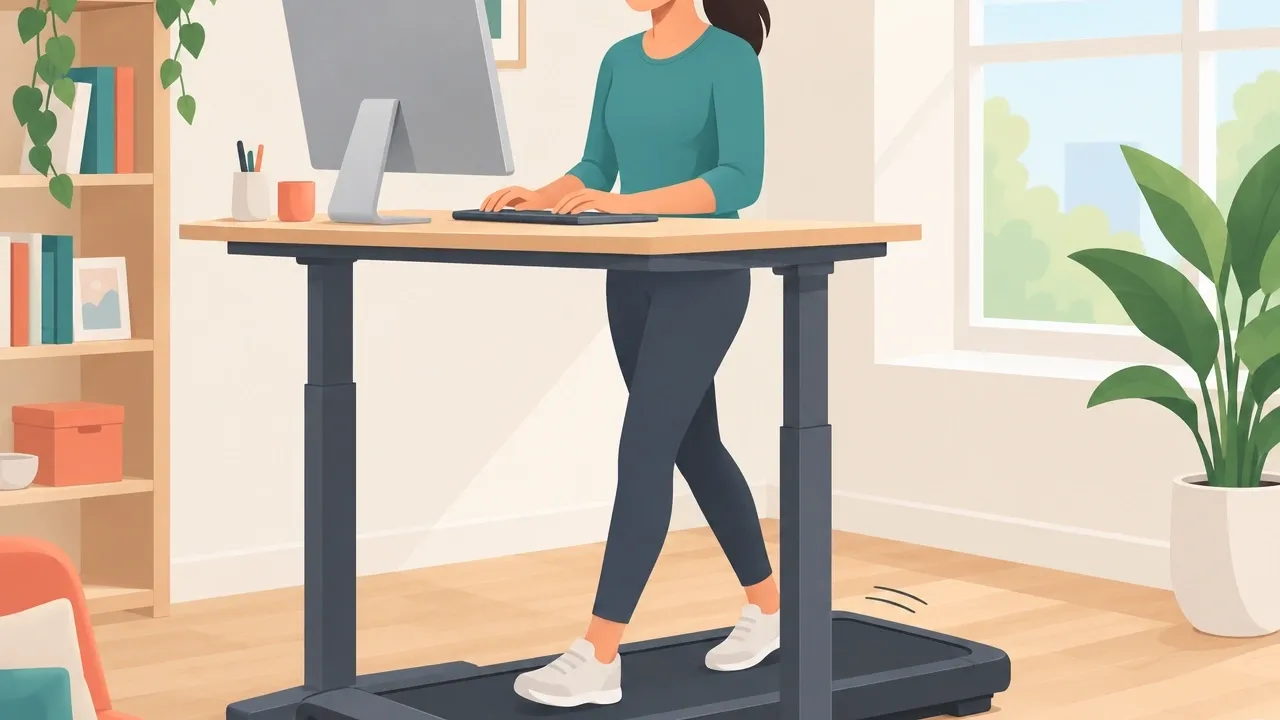
I wanted something that would let me move without thinking about it. The first two weeks were awkward. I put the pad under my standing desk, but my laptop was too low.
I stacked books on my desk to raise the screen. The walking belt squeaked. My cat stared at me like I was losing my mind.
The remote felt flimsy, and I accidentally pressed “stop” mid-stride and almost tripped. But on day three, something clicked. I walked for 15 minutes while reading a report.
I finished those 15 minutes and thought, “Wait, I can just keep going.” I hit 4,000 steps before lunch. That had never happened in my home office.
The Moment It Felt Worth It
I walked 5,000 steps while on a conference call. No one noticed because I muted myself when speaking and kept the speed slow.
When the call ended, I realized I had walked for 45 minutes without feeling like I was exercising. My energy didn’t crash at 2 p.m. For the first time in months, I didn’t reach for a second coffee.
That’s when I stopped worrying about the squeak and the cat.
The Integration Phase
I built walking into my daily workflow slowly. I did not try to walk for two hours on day one. Instead, I found specific tasks that worked with walking and tasks that didn’t. What works while walking:
- Routine emails and Slack messages
- Listening to podcasts or audiobooks
- Meetings where I only need to listen occasionally
- Brainstorming or light reading
What does not work while walking:
- Editing long articles or legal documents
- Any task with precision (coding, spreadsheets, design)
- Video calls where I need to look at the screen constantly
I learned that the best pace is around 2.5 to 3 km/h. Any faster and my typing got sloppy. Any slower and it felt pointless.
Walking at that speed, I could comfortably keep working for 45 minutes without needing a break.
The Habit Loop
After about three weeks, an unexpected thing happened: I started to crave the walking pad. Not in a “I love exercise” way, but in a “my body feels heavy when I don’t walk” way.
The energy boost became addictive. My afternoon slump disappeared. I no longer needed that 3 p.m. caffeine fix. Walking replaced it. I started using the pad even on non-work days.
I would put on a show and walk for an hour. It felt like a cheat code for fitness because I was just watching TV.
The Measurable Transformation
I tracked everything during the first six months. Here is what changed:
- Step count: I went from an average of 8,000 steps per day to 14,000 steps per day. That extra 6,000 steps came entirely from the walking pad.
- Sleep quality: My Oura ring sleep score improved by 15% on average. I fell asleep faster and woke up less during the night. I attribute this to the consistent light walking, not to any intense exercise.
- Afternoon energy: I stopped relying on coffee after 1 p.m. The walking pad gave me a natural energy lift that lasted until dinner.
- Weight: I lost about 2 kg over three months. That was not dramatic, but it was steady. The walking pad added an extra 300–400 calories burned per day without me changing my diet.
- Blood pressure: My resting blood pressure dropped from 128/82 to 118/76 after four months of consistent use. My doctor was surprised until I explained the walking pad.
The Productivity Paradox
Walking helped my focus for routine tasks but hurt for deep work. When I needed to write complex articles, sitting still worked better. I stopped trying to walk during deep work sessions.
Instead, I scheduled walking for the “busy work” hours of the day—after lunch when my brain felt foggy, or during long meetings where I only needed to listen. The net effect was positive.
I got more done because I was less tired and more alert overall.
The Long Game
After 12 months, the novelty wore off. The walking pad did not feel like a shiny new toy anymore. It was just furniture. Some weeks I used it five times, some weeks twice.
I learned that the key to long-term use is not motivation—it is convenience.
How I Keep Using It
- Set a non-negotiable minimum: I walk at least 15 minutes per day, even if I am sick or tired. That tiny commitment keeps the habit alive.
- Rotate with outdoor walks: In summer I use the pad less and walk outside more. In winter I rely on the pad. This seasonality prevents burnout.
- Keep it out: I store the pad next to my desk, not in a closet. If it is visible, I will use it. If I had to unfold and set it up every time, I would stop.
- Accept the plateau: After six months, I stopped seeing new weight loss or step count increases. That is fine. The walking pad helps me maintain, not always improve. Maintenance is still a win.
The Hard Truths Nobody Tells You
I wish someone had told me these things before I bought my walking pad.
It is louder than you expect. Not loud enough to bother you, but loud enough that you cannot use it during a video call if your microphone is sensitive.
I measured it at about 45 decibels at 3 km/h, which is similar to a quiet air purifier. At faster speeds it gets louder.
You cannot sprint on it. Most under-desk walking pads top out at 6 km/h. That is a brisk walk, not a jog. If you need to run, buy a real treadmill.
The walking pad will wobble and the motor will overheat. The first month feels unnatural. Your brain will resist walking while working. You will feel clumsy. That passes.
Give it four weeks before judging. It does not replace real walks. Walking outdoors gives you fresh air, vitamin D, and terrain variation.
The walking pad is a supplement, not a replacement. Use both. Repairs happen. After 14 months, my belt started slipping. I had to lubricate the deck and tighten the belt.
It took 20 minutes. Some pads require more maintenance than others.
Walking Pad vs. Other Solutions
If you are wondering whether a walking pad is right for you, here is how it compares to the alternatives.
| Option | Pros | Cons |
|---|---|---|
| Walking pad + standing desk | Multitasking, weather proof, consistent steps | No fresh air, limited to walking pace, noise |
| Outdoor walking | Sunlight, nature, varied terrain, free | Weather dependent, requires time commitment, cannot work |
| Standing desk alone | Less sitting, easy setup | No cardiovascular benefit, no calorie burn |
| Spin bike while working | Higher calorie burn, quieter than walking pad | Sweat, limited to cycling motions, harder to type |
For me, the walking pad won because it is low-sweat, easy to use while working, and quiet enough for most of my day. If you hate walking, buy a spin bike. If you love being outside, just walk outside.
But if you want to passively increase your steps without changing your schedule, the walking pad is unmatched.
How to Actually Change Your Life With a Walking Pad: A 30-Day Starter Protocol
You cannot just buy a walking pad and expect results. You need a plan. Here is exactly what I would do if I were starting over.
Week 1: Build comfort (15 minutes per day, no work) Walk while watching a show or listening to music. Do not try to work. Your goal is to get used to the movement and the balance.
Walk at a slow speed (2 km/h). Stop if your ankles or knees hurt.
Week 2: Add low-focus work (20 minutes per day) Start walking while doing easy tasks: replying to emails, reading short articles, or listening to a podcast. Keep the speed at 2.5 km/h.
If you feel distracted, slow down.
Week 3: Increase duration and mix with calls (30 minutes with calls or podcasts) Walk during phone calls or Zoom meetings where you are not presenting. This is the sweet spot.
You can walk for 30 to 45 minutes without losing productivity. Speed up to 3 km/h if it feels comfortable.
Week 4: Evaluate and troubleshoot (adjust as needed) By now you should have a habit. If you are in pain, check your desk ergonomics.
The screen should be at eye level, and your elbows should be at 90 degrees when typing. If the walking pad is too loud for calls, use a better microphone or walk only during calls where you stay muted.
After month one, you can decide to increase frequency or duration. I settled on 30 to 60 minutes per day, four to five days per week. That alone added 10,000 extra steps per week to my life.
Frequently Asked Questions
Does a walking pad damage hardwood floors?
Yes, some do. The belt friction can wear away floor finish over time. Place a rubber mat or a piece of plywood under the pad. Most manufacturers recommend it.
Can I use a walking pad if I have bad knees?
Yes, walking on a flat surface is low impact. Start at a low speed and stop if you feel pain. Walking pads are actually recommended for joint-friendly cardio because there is no impact from running.
Do I need special shoes?
Supportive walking shoes help. I use a pair of cross-trainers with good arch support.
Barefoot walking on the pad is not recommended because your feet will sweat and slide, and the belt can irritate your skin.
How do I clean a walking pad?
Vacuum the belt and deck weekly to remove dust and debris. Lubricate the belt every three months with silicone lube (check your model manual). Clean the motor housing with a dry cloth every few months.
What is the warranty typically cover?
Most brands offer 2 years on the motor and 5 years on the frame. But check before buying. Some budget brands only give 1 year total. I recommend spending a little more for better warranty support.
Can I run on a walking pad?
No. Most under-desk walking pads have a 2.5 hp motor or less, which is not strong enough for running. Running will overheat the motor and void the warranty. If you want to run, buy a proper treadmill.
After 18 months with my walking pad, I can say it changed my life in small but real ways. I am more active, less tired, and sleep better. It did not turn me into a gym person.
It turned me into someone who walks 14,000 steps a day without thinking about it. That is the kind of change that sticks.