
Why You Shouldn’t Put a Regular Office Chair on a Walking Pad

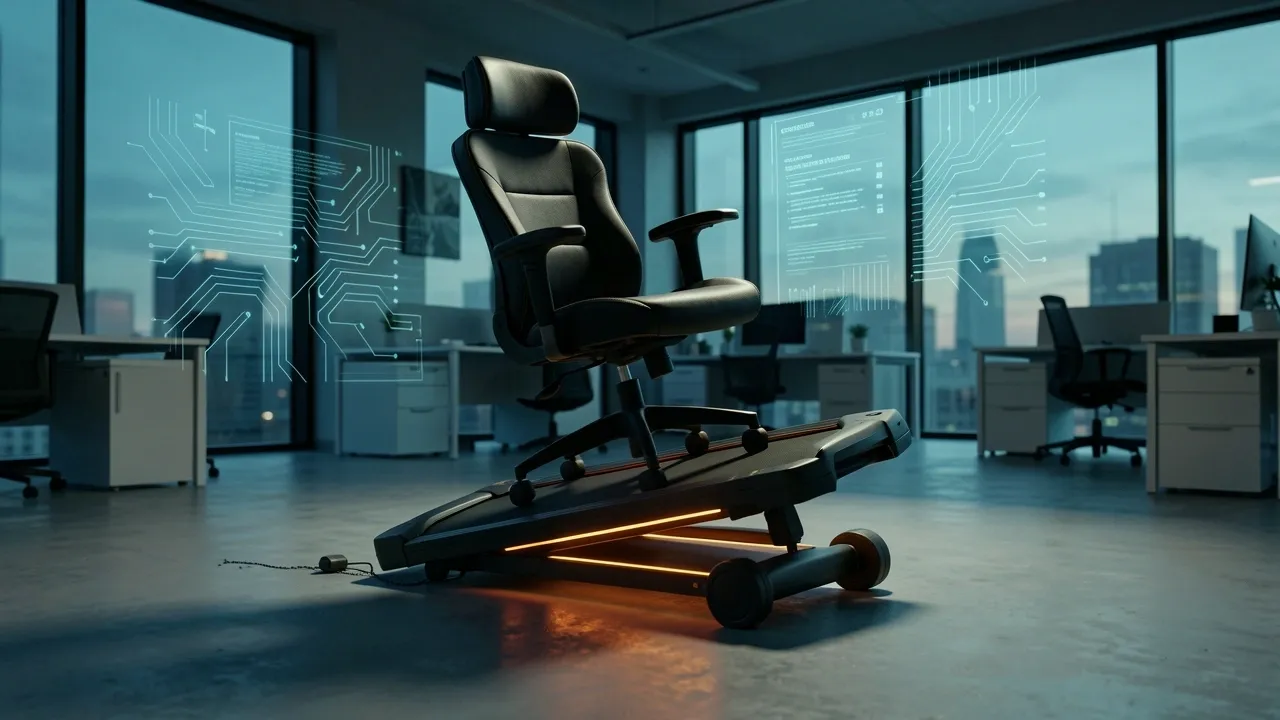
If you’ve been wondering whether you can place a regular office chair directly over your walking pad so you can switch between sitting and walking without moving furniture, you’re not alone.
It seems like the perfect space-saving hack. But after testing this setup and watching others try it, I can tell you: it’s a bad idea.
Here’s what actually happens, why it fails, and what to do instead.
The Direct Answer Depends on Where the Chair Wheels Land
The phrase “directly over” matters more than you’d think. There are two ways to interpret it, and one of them is genuinely dangerous.
Scenario 1: The chair wheels roll directly onto the walking pad belt
If you roll your regular office chair so that the casters sit on the walking belt, stop. This will not end well. The belt is designed to rotate under your feet.
When you put a chair on top of it, the belt can shift unexpectedly even when the pad is off. When the pad is on, the chair will drift, spin, or slide off the side.
I’ve seen someone end up on the floor this way. It’s not worth the risk.
Scenario 2: The chair base is wide enough to fit around the walking pad
This is the only physically possible version of putting a chair over a walking pad. The wheels stay on the floor, and the chair base straddles the pad like a bridge.
You can make this work if your chair has a wide wheelbase and the pad is narrow enough to fit underneath.
But here’s what I learned when I actually tried it: you’re now sitting with a 2-inch-thick slab of plastic and rubber between your legs.
It pushes your knees apart, raises your feet, and makes you reach awkwardly for the desk. It feels wrong from the first minute.
The one-sentence takeaway: A walking pad is a place to stand and walk. A regular office chair is a place to sit.
Putting one on the other either damages the equipment or creates a poor sitting position.
The Hidden Mechanical Reasons This Setup Fails
Even if the chair fits “around” the pad without touching the belt, you’re dealing with forces that office chairs and walking pads were never designed to handle together.
- Free-spinning belt: When casters touch the belt, even minor shifts in your body weight make the belt move. The chair can slowly creep off the pad while you’re typing, and you won’t notice until you’re leaning sideways.
- Point load damage: Your body weight on a treadmill is spread across two feet. A chair concentrates that same weight into five tiny hard casters. Those points can dent, crease, or permanently stretch the walking belt.
- Roller and motor strain: Locked casters or hard plastic wheels create friction the belt isn’t built for. Over time, that extra resistance wears out the drive motor and the rollers.
- Pinch hazards: Chair wheels, the belt edge, and the side rails create perfect gaps for catching fingers, cables, or loose clothing.
- Warranty issues: Every walking pad I’ve checked covers normal walking use. Sitting on the pad with an office chair is clear misuse that can void your coverage.
The Ergonomic Problem No One Talks About
The mechanical damage is easy to understand, but the ergonomic failure is sneakier. Walking pads are typically 2 to 3 inches thick.
When you place a chair over that raised deck, your hips drop lower than they should be. Your knees end up bent at an awkward angle, and your feet may not rest flat on the floor.
If you try to compensate by raising the chair, your feet dangle and your circulation gets cut off at the backs of your thighs.
There’s also the leg clearance issue. The width of the walking pad forces your knees outward, which feels okay for a few minutes but quickly turns into hip and lower-back strain.
And if your desk is set to standing height, which it likely is if you use a walking pad regularly, then sitting in a chair over the pad puts your keyboard too high for comfortable typing.
You’d have to adjust the desk every single time, and at that point, the “convenience” of leaving the chair in place is gone.
This is the hidden dealbreaker: even if the chair technically fits over the pad, the ergonomics of your entire workstation are now wrong.
Is There Any Chair That Can Straddle a Walking Pad Safely?
I tested this with a few different chairs, and the honest answer is that yes, a wide-legged chair can physically straddle a walking pad without touching the belt. But there are strict conditions.
- The chair base must be wider than the walking pad on all sides.
- All five casters must stay on the floor at all times.
- You need enough clearance under the chair’s center post so the pad doesn’t hit it.
- The seat height must still be adjustable enough to compensate for the pad’s deck height.
Before you try it, measure these three numbers:
- Walking pad width (usually 20–24 inches).
- Chair wheelbase width (standard 5-star bases are around 26 inches).
- Clearance under the chair center post.
Most office chairs fail because a 26-inch wheelbase and a 22-inch pad leave only a couple inches of margin on each side.
That’s enough for the chair to sit there, but not enough to prevent your front or rear casters from clipping the belt when you shift your weight or lean forward.
Even if you find a chair that fits, ask yourself: what is the walking pad doing while you sit? Nothing. You’re just storing a treadmill under an office chair and calling it a dual workstation.
The pad becomes a bulky footrest, and a bad one at that.
A Realistic Sit-to-Walk Desk Setup That Actually Works
After trying the “one zone” approach and failing, I switched to a two-zone setup. It’s simpler, safer, and honestly faster than trying to make a chair and a treadmill share the same footprint.
Here’s the setup I recommend:
- Zone 1: Your normal office chair position at the desk.
- Zone 2: The walking pad parked right beside or slightly behind the chair.
The workflow for switching looks like this:
- Sitting: your chair is at the desk, and the walking pad is off to the side.
- Stand up and push the chair back.
- Step onto the walking pad.
- Raise the desk to standing height (if you’re using a sit-stand desk).
- Walk and work.
- Step off, lower the desk, roll the chair forward, and sit again.
This takes less than 10 seconds. I keep a floor mat under both zones and marked tape on the floor so the chair always comes back to the same spot.
A monitor arm is worth the investment here because it lets you adjust the screen height without touching the desk surface.
Why is this better? It protects your body, your furniture, and your treadmill. The walking pad stays clean, the chair stays on stable flooring, and your posture stays correct in both positions.
When an Under-Desk Pedaler Is the Better Investment
If your real goal is to move while you sit, then an under-desk pedaler is a better tool than a walking pad. Here’s how to decide:
| Factor | Walking Pad | Under-Desk Pedaler |
|---|---|---|
| Best for | Standing and walking while working | Seated movement while working |
| Space needed | Length for walking + storage | Fits under a desk permanently |
| Desk height | Must be standing height | Works with a normal sitting desk |
| Transition time | Need to move chair and adjust desk | None, you can start pedaling anytime |
If you only have one desk and you can’t adjust its height, a pedaler is the safer choice. You keep one chair, one monitor position, and one desk height.
No switching, no balance issues, no risk of belt damage. The tradeoff is that a pedaler gives you a gentle leg cycle, not the same calorie burn or cardiovascular benefit as walking.
But that’s okay, because the walking pad still has its place — it just belongs in the walking zone, not under your chair.
Frequently Asked Questions
Can I sit on a walking pad when it’s turned off?
Physically, yes. But the weight of a chair and your body is concentrated on a surface meant for continuous belt movement.
Even with the pad off, the casters can crease the belt, crack the deck, or damage the plastic side rails. The padding isn’t designed to support static point loads.
Will locking my chair casters make it safer on a walking pad?
No. Locked casters create fixed resistance points. When the belt underneath shifts even slightly, your chair becomes more unstable, not less. The setup is still dangerous and can strain the belt.
What is the best office chair to use with an under-desk treadmill?
The best chair is a normal ergonomic office chair placed beside the walking pad, not on top of it. You don’t need a special chair.
You need a separate zone for sitting so you can step off the pad and sit down without any balancing act.
How much weight can a walking pad support?
Check the manufacturer’s rating. Most support 220 to 350 pounds. That rating assumes a standing person distributing weight through their feet.
A chair concentrates that same weight into tiny hard casters, which changes the load profile completely.
Can I place a piece of plywood over the walking pad so my chair rolls over it?
That protects the belt, but it raises the chair by the thickness of the wood plus the pad, creating a rocking and unstable platform. You’ll also have to deal with the pad’s edges catching on the board.
It’s not an acceptable fix.
Is there any situation where a regular office chair on a walking pad is okay?
Only if the chair wheels stay completely on the floor, the base clears the pad on all sides, and the ergonomics of your chair and desk still line up. In practice, that’s rare.
Most people are better off with two separate zones.