How Treadmill Desk Walking Alters Your Gait and Why It Matters


Treadmill desks have become a popular way to stay active during the workday. But if you've ever stepped off one after a long session and felt a little off, you're not imagining things.
The way you walk on a treadmill desk is genuinely different from the way you walk on solid ground.
And understanding how walking on a treadmill desk affects your natural walking gait can help you use one without worrying about long-term harm.
The short version is that yes, your gait changes. You slow down, you take shorter steps, and your body develops subtle asymmetries.
But the surprising part is that the treadmill itself isn't the main culprit. The real disruptor is the act of typing while walking. Once you understand that, everything else falls into place.
What Actually Changes in Your Walk
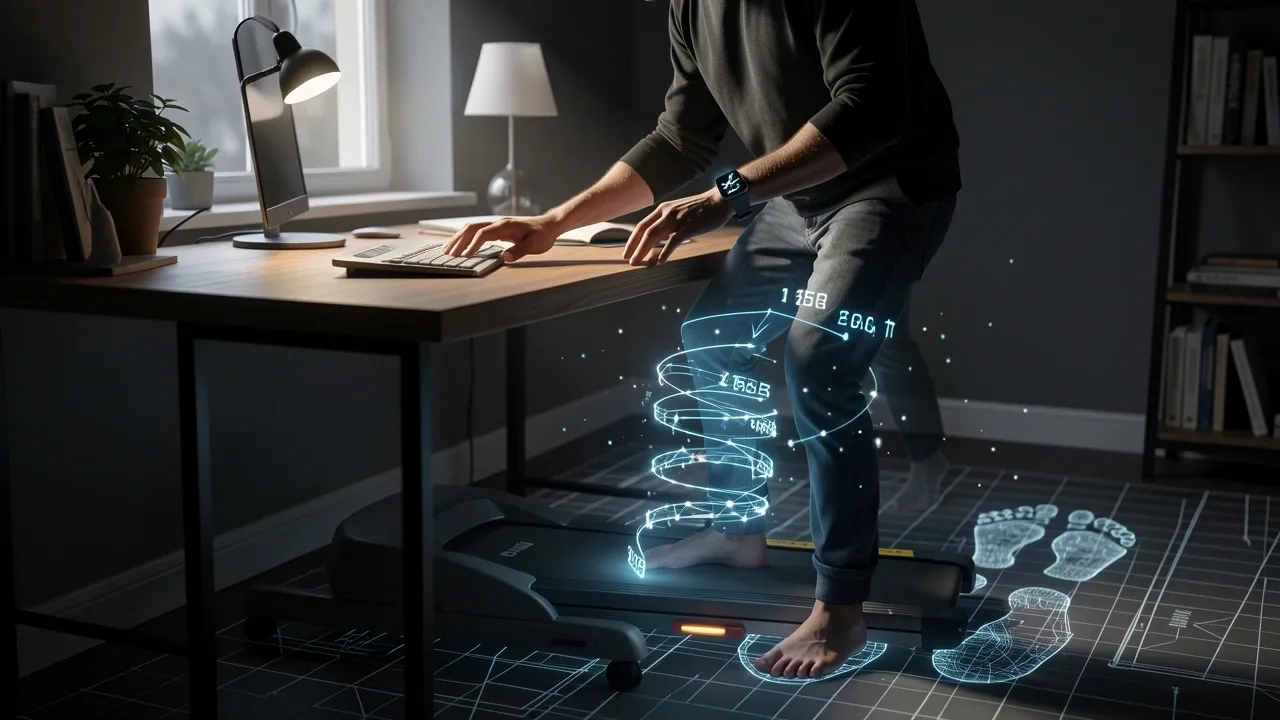
When researchers put motion capture markers on people and asked them to walk on a treadmill desk while typing, they found several measurable changes. Here's what happens to your body:
- Your speed drops dramatically. People naturally walk at about 4 km/h on solid ground or on a treadmill with no other task. But when typing on a treadmill desk, that speed falls to about 2 km/h — roughly half of your natural pace.
- Your stride shortens. At those slower speeds, you take smaller, more cautious steps. Your foot doesn't reach as far forward as it normally would.
- Your base of support narrows. You step with less lateral spread between your feet, which is a classic sign of careful, guarded walking.
- Your arm swing disappears. Because your hands are on the keyboard or resting on the desk, your arms can't swing freely. That changes the rhythm of your entire walk.
These changes aren't just academic. You can feel them. If you've ever tried to type an email while walking on a treadmill, you probably noticed yourself shuffling rather than striding.
That shuffle is your body's way of protecting you. It keeps your steps small and controlled so you don't lose your balance while your brain is busy with the typing task.
Why the Typing Task — Not the Treadmill — Is the Real Disruptor
Here's the part that surprises most people. Walking on a treadmill alone, with no work task, produces almost no meaningful gait disruption.
Your stride, your speed, and your symmetry all stay close to normal. It's when you add the cognitive load of typing that things change.
This is what researchers call dual-task interference. Your brain has a limited budget for attention. When you walk, your brain handles the coordination of your legs, hips, and balance.
When you type, your brain shifts resources to word processing, finger movements, and reading the screen. Something has to give — and it's almost always the walking.
The research backs this up. In a detailed study published in PLOS ONE, participants walked on a treadmill with no task and showed no significant gait asymmetry.
But when they added a typing task, their walking speed dropped by half and their knee motion became asymmetrical. The treadmill wasn't the problem. The typing was.
This also explains why you might feel awkward stepping off a treadmill desk after a long session. Your body has been walking in a constrained, careful pattern for an hour or more.
When you hit solid ground and try to walk normally, your brain needs a moment to switch back to full-speed walking.
What the Research Actually Found
The most detailed study on this topic tracked ten healthy adults using a motion capture system.
Researchers compared three conditions: walking on the ground, walking on a treadmill, and walking on a treadmill while typing on a keyboard. Here's what the numbers show:
| Condition | Average Speed | Knee Flexion Asymmetry | Hip Adduction Asymmetry |
|---|---|---|---|
| Overground walking | 3.93 km/h | None significant | 2.2° (right side) |
| Treadmill walking (no task) | 4.15 km/h | None significant | 1.94° (right side) |
| Treadmill walking while typing | 2.06 km/h | 2.63° (left knee, early stance) | 2.3° (right side) |
Let me translate what this means. The knee asymmetry — 2.63 degrees — appeared only in the treadmill workstation condition.
The left knee was more flexed than the right during the very beginning of the step cycle. In plain terms, your non-dominant leg lands slightly differently when you're typing while walking.
It's a small difference, but it's consistent and measurable.
The hip adduction asymmetry was present in all walking conditions, which makes sense because most people have a dominant side.
But the fact that it showed up in more of the gait cycle during treadmill workstation use suggests your body is working around the fixed position of your arms on the desk.
What Your Body Is Quietly Compensating For
Here's something the studies don't highlight enough. When you type on a treadmill desk, your elbows are resting on the desk surface. That fixes your upper body in place.
Your shoulders can't rotate the way they do in natural walking, and your arms can't swing. Your lower body has to work around this rigid frame.
Think about it. In natural walking, your arms swing opposite to your legs. This counter-rotation helps stabilize your pelvis and keeps your gait smooth.
When your arms are locked on a desk, that stabilization disappears. Your hips and knees have to compensate.
That's part of why the left knee shows that extra flexion — it's absorbing the instability that your arms would normally help manage.
This also explains why some people report feeling stiff or achy in their lower back after long treadmill desk sessions. The fixed upper body changes how your spine absorbs the impact of each step.
Is an Altered Gait Actually Bad for You
This is the question everyone really wants answered. The honest answer is that it depends on how long and how often you use the treadmill desk.
In the short term, the research suggests the risk is low.
The 2.63-degree knee asymmetry found in treadmill workstation users is well below the 4.3 to 8.6 degrees typically seen in patients recovering from knee or hip replacement surgery.
For a healthy person using a treadmill desk for a few hours a day, there's no evidence that these subtle changes cause injury.
But here's the caveat. There are no long-term studies. Nobody has tracked treadmill desk users over months or years to see if these daily asymmetries add up.
What we know from other areas of biomechanics is that persistent movement asymmetry can overload one side of the body over time.
Athletes with gait imbalances tend to develop injuries on the dominant side. The same logic probably applies here, just at a lower intensity.
There's also a different risk profile depending on who you are. If you have existing knee, hip, or lower back issues, even small gait changes can aggravate those conditions.
The research was done on healthy, active adults. If you already have joint pain or a history of injuries, the risk calculus is different for you.
How to Walk Naturally and Protect Your Gait on a Treadmill Desk
None of this means you should throw away your treadmill desk. The benefits — more movement, better circulation, improved mood — are real and well-documented. What matters is how you use it.
Here are practical steps that can help you walk more naturally while working.
- Keep your speed between 2.5 and 3.5 km/h. The research shows gait degrades most at speeds you can barely sustain while typing. At a comfortable, sustainable pace, your stride stays closer to natural.
- Alternate walking and sitting in blocks. Use the treadmill for 30 to 60 minutes, then sit for a while. This gives your gait pattern a chance to reset and prevents your body from adapting to the treadmill's constraints.
- Build in walk-without-typing intervals. Every 20 minutes or so, stop typing for 30 seconds and just walk at a slightly faster pace with your arms swinging freely. This re-establishes your natural gait pattern and loosens up your shoulders.
- Choose the right treadmill. A single-belt treadmill with at least 100 cm of walking surface lets you take a fuller stride. If your treadmill is short, you'll naturally shorten your steps to stay on the belt.
- Wear flat, flexible shoes. Running shoes with thick heels and lots of cushioning change how your foot strikes the ground. At walking speeds, a flat shoe lets your foot move more naturally.
- Set your monitor at eye level. If your head is tilted down or up, it shifts your center of gravity and changes your gait. A properly positioned monitor keeps your head level, which helps your whole body stay aligned.
The Warning Signs Your Gait Is Suffering
How do you know if your treadmill desk is causing problems? Some discomfort in the first week or two is normal — your body is adapting to a new movement pattern.
But there are signs that something more serious is happening.
- Knee stiffness that persists for hours after you finish work
- One foot feeling more tired or sore than the other at the end of the day
- A clicking or catching sensation in your hip
- Tripping or stumbling more often when you walk on normal ground
- Lower back pain that doesn't go away when you stop walking
If any of these last for more than two or three weeks, reduce your treadmill desk usage or stop entirely and talk to a physical therapist.
The general rule is that a little adjustment is fine, but persistent pain is your body telling you something is off.
Frequently Asked Questions
Can a treadmill desk replace your daily outdoor walk?
No. A treadmill desk walk is a movement intervention, not equivalent exercise. Your speed is about half of a normal walking pace, your stride is shorter, and your arms can't swing freely.
For cardiovascular benefit, a regular outdoor walk where you can move at full speed with natural arm swing is far more effective.
Do you need special shoes for a treadmill desk?
Flat, flexible, low-drop shoes are the best choice. Heavy running shoes with thick heels distort your foot strike at walking speeds.
If you're wearing cushioned running shoes, consider switching to a minimalist shoe or comfortable flat shoes for your treadmill desk sessions.
How fast should you walk on a treadmill desk to avoid gait disruption?
Stay below 3 km/h. Research shows that gait becomes more disrupted at speeds you can barely maintain while typing.
A pace between 2.5 and 3.5 km/h lets you work comfortably while keeping your stride relatively natural.
Is a treadmill desk safe if you already have knee or back problems?
Only with professional guidance. The subtle gait asymmetries associated with treadmill workstation use may aggravate existing imbalances.
If you have a history of knee, hip, or back issues, check with a physical therapist before adding a treadmill desk to your routine.
How long does it take to get used to walking while working?
Most people adjust to the balance aspect within a few days. Full gait adaptation takes several weeks.
If you still feel awkward or unsteady after a month of regular use, reassess your speed and your setup. Something probably isn't right.