How to Position Your Monitor to Avoid Neck Strain While Walking

I remember the day I first rolled out my treadmill desk. I had the monitor on a tall stand, the way I used it standing at my old desk, and I got to work.
Within forty minutes my neck was sore in a way I had never felt before. Not the usual "I've been slouching" ache. Something sharper, deeper, closer to the base of my skull.
The problem wasn't the treadmill. It was that I copied a seated desk setup and expected it to work for a moving body. Walking changes everything about how you see your screen.
Here is the exact positioning protocol that fixed my neck pain, and it will fix yours too if you are willing to measure before you step on the belt.
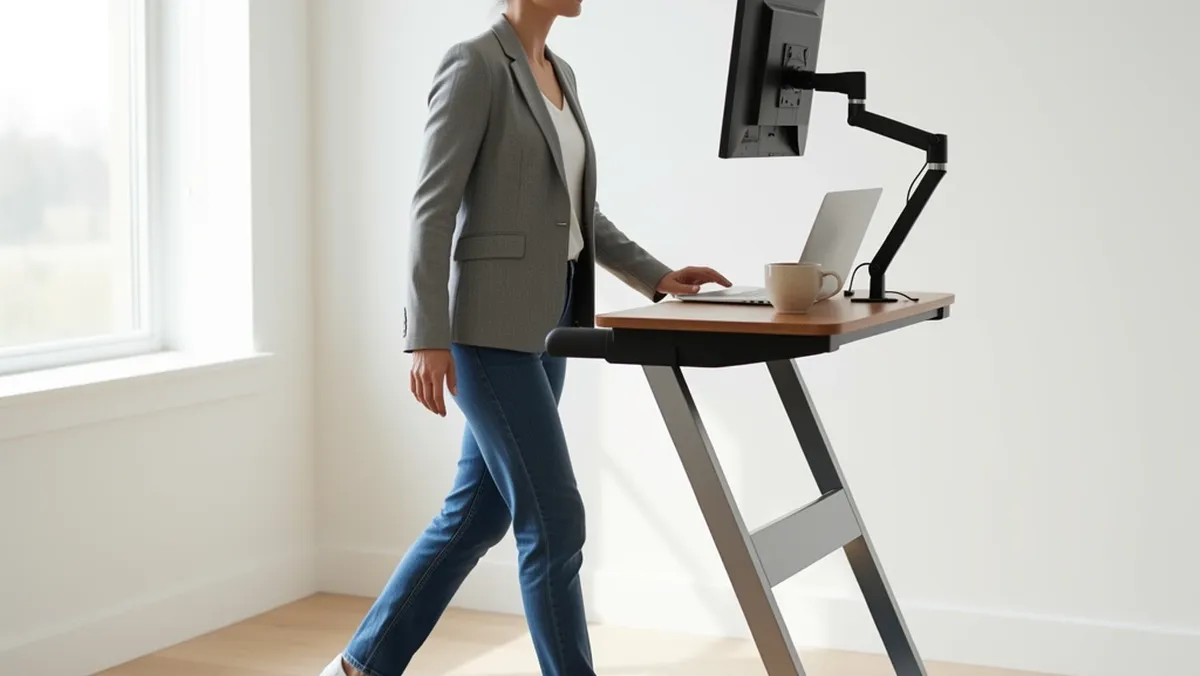
Here is the headline rule: the top of the monitor should sit at or just above your eye level, set directly in front of your nose, about 26 to 30 inches away, mounted on a rigid arm, and tilted slightly upward.
That is the whole game in one sentence. Now let me explain why each piece matters and how to set it up properly.
Why Walking Breaks the Monitor Rules You Already Know
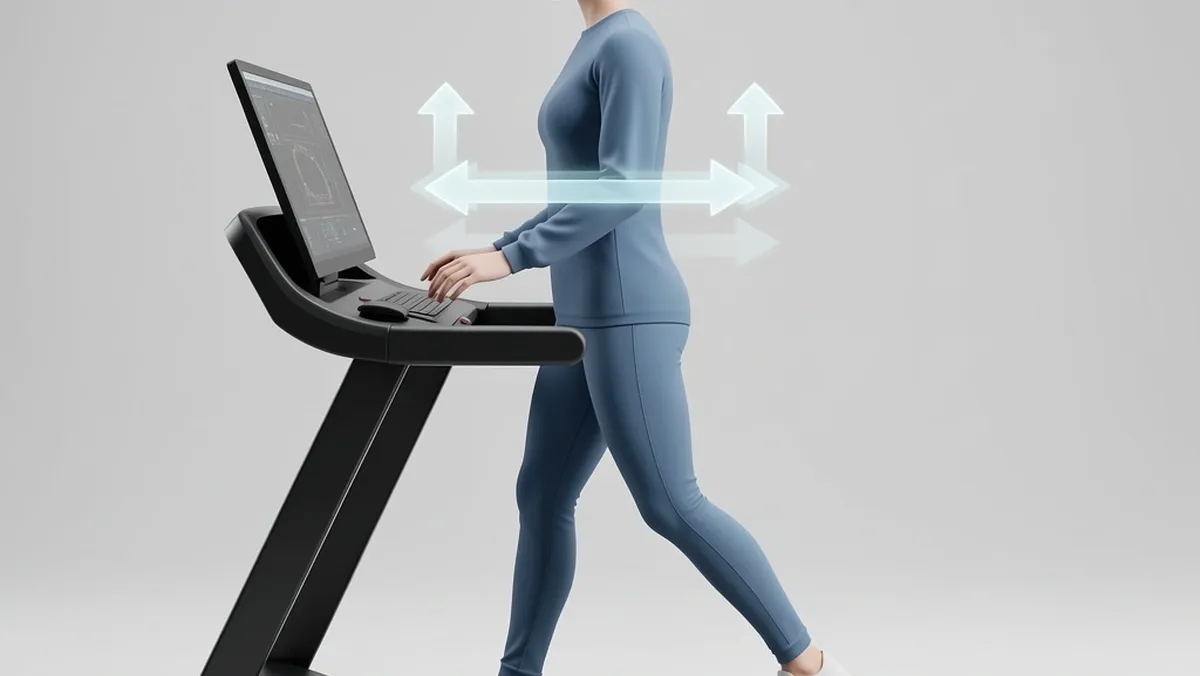
When you sit, your head stays still. Your eyes lock onto the screen and your neck holds one position for as long as you keep it there. Seated ergonomics is built on that stillness.
The classic rules — arm's length distance, top of screen at eye level, monitor straight behind the keyboard — assume a body that does not move.
Walking on a treadmill belt introduces three movements that break those rules:
- Vertical head bounce. Every stride makes your head rise and fall roughly 2 to 5 centimeters. A monitor set at your standing eye level drifts above and below your ideal gaze angle multiple times per minute as you walk.
- Forward and backward sway. Your body shifts slightly forward with each step and settles back. This changes the distance between your eyes and the screen dozens of times per minute, forcing your eye muscles to refocus constantly.
- Slight forward lean. Most people pitch forward a few degrees when walking on a belt, especially at first. This pushes the head toward the screen and increases the downward gaze angle.
All of this means you cannot just copy what works for a seated desk. You have to build in room for movement.
The monitor needs to sit at the center of your head's range of motion, not at the edge of it.
The Baseline Setup Before You Step On
Set everything while the treadmill is off and you are standing on the deck. It will take five minutes. Do not skip the measurement steps, because guessing is how pain sneaks back in.
Measure From the Treadmill Deck, Not the Floor
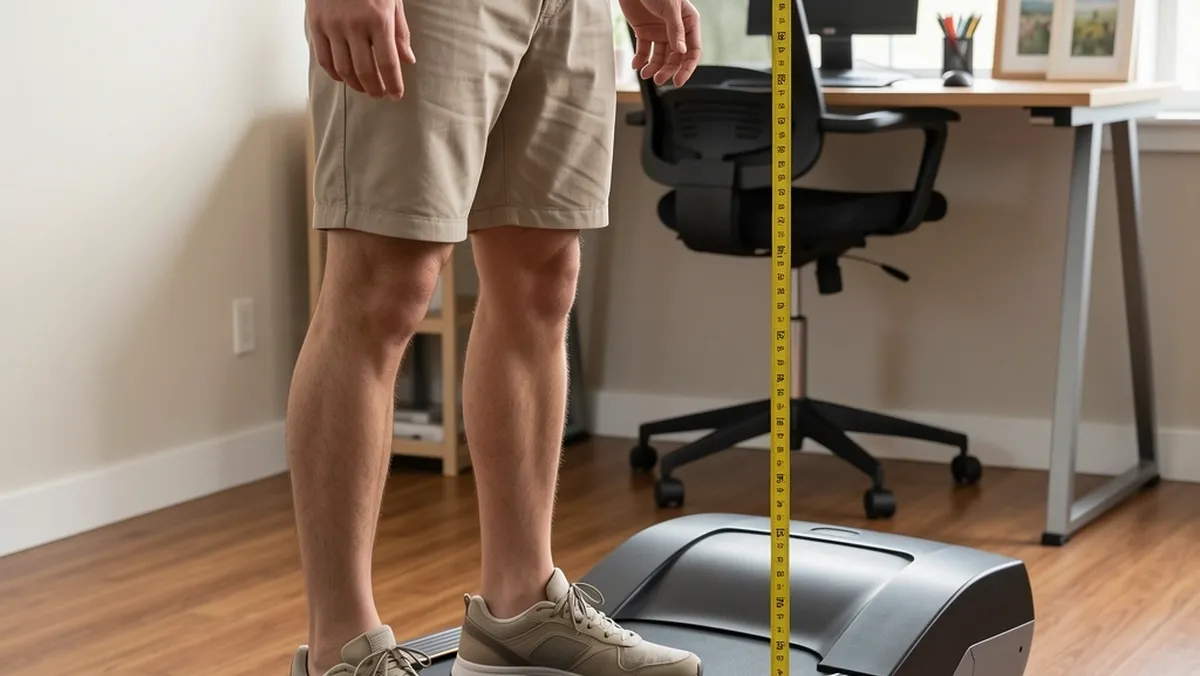
Treadmill decks sit 4 to 10 inches off the ground. If you measure your eye height from the floor, you will set the monitor too high by exactly those inches.
Stand on the belt, stand tall with relaxed shoulders, and have someone measure from the deck surface to the center of your pupils. Write that number down.
It is the single most important measurement in this entire setup.
Set the Vertical Rule at Eye Level
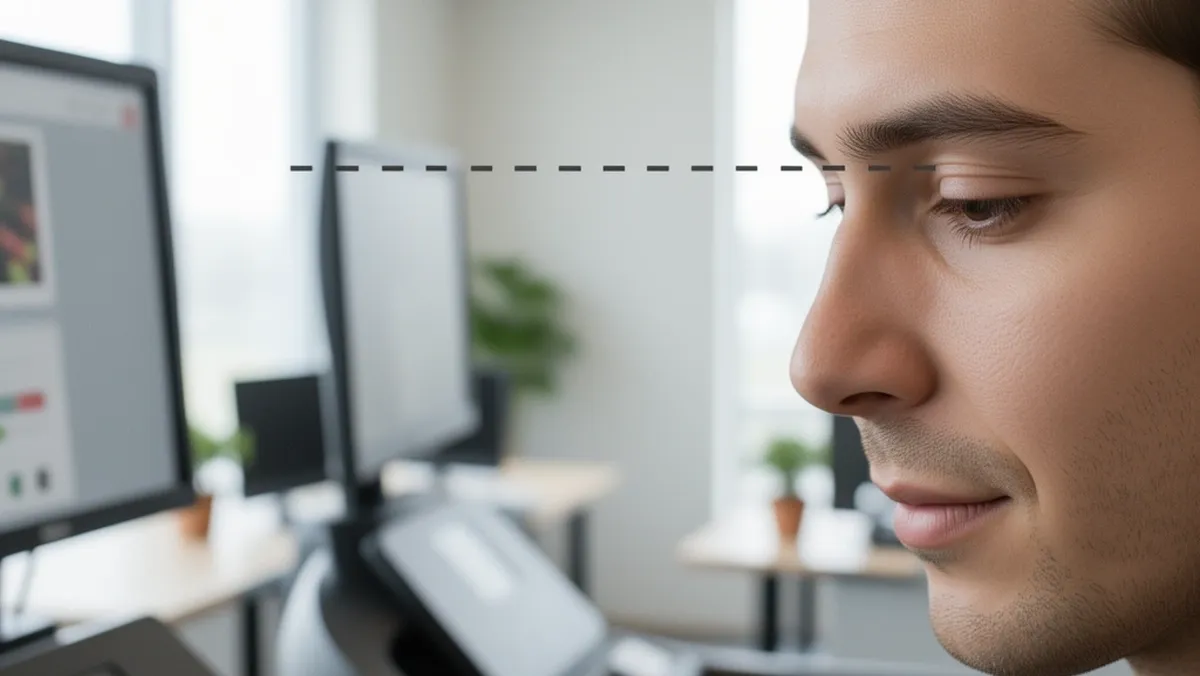
Position the monitor so the top edge of the screen sits at or one inch above your pupil height. This keeps your gaze angle slightly downward, which is the neutral head position your neck prefers.
If you wear progressive or bifocal lenses, drop the top edge an extra 1 to 2 inches so you are looking through the correct part of the lens without tilting your head back.
Do not raise the monitor higher just because you are standing. A screen that forces you to tilt your chin up will strain the back of your neck within minutes on a treadmill.
Set the Distance Rule Beyond Arm's Length
Seated desks use the arm's length rule — about 20 to 24 inches. Walking needs more room. Set the screen 26 to 30 inches from your eyes.
This extra buffer gives your forward sway room to move without pushing the screen out of your comfortable focal range.
You should feel like you are looking at the screen from slightly farther away than normal, but still comfortable.
When I first made this adjustment, the difference felt strange for a day. By the second day I could not imagine going back. The constant refocusing that had been tiring my eyes disappeared.
Set the Horizontal Rule Straight Ahead
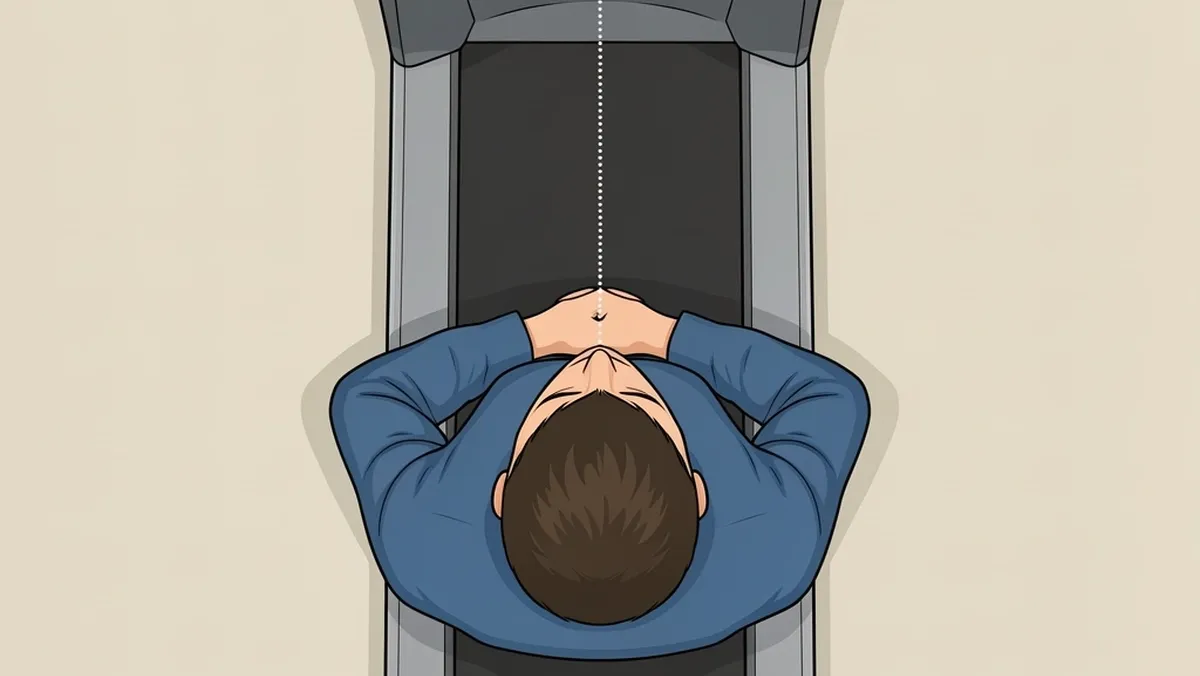
The monitor must sit dead center, in line with your sternum and nose. Any rotation — even 5 degrees — means your head has to hold a twist for the whole workday.
At a seated desk you might get away with it for a while. Walking adds motion to that twist, which compounds the strain on your neck muscles. Keep the screen perfectly centered.
Tuning the Setup for Movement
The baseline setup gets you safe. This next part gets you comfortable while actually moving.
Walk First, Then Adjust
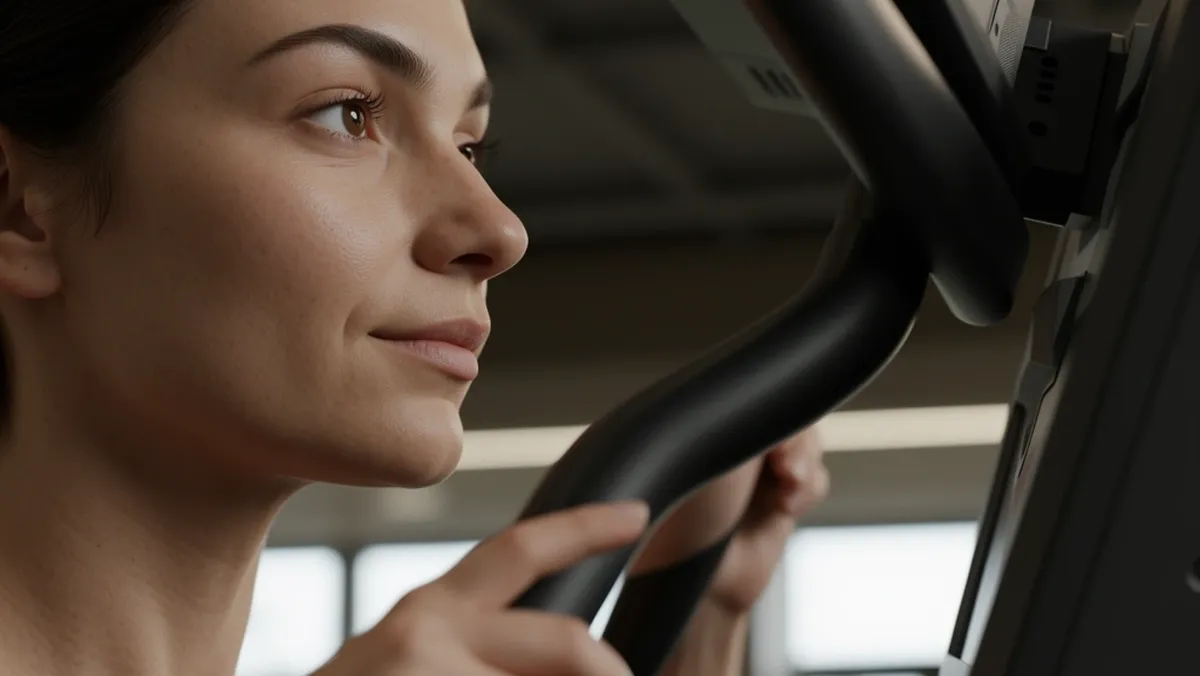
Turn the treadmill on at your working speed and step onto the belt. Watch the top edge of the monitor as you walk. Your head will bounce up and down.
If the top of the screen drops below your line of sight on any step, raise the monitor slightly. If it sits above your vision on the upward phase, lower it.
Adjust repeatedly until the top edge stays within your visual range across the full cycle of your stride.
Usually this means raising the screen about one inch above the static eye level you measured earlier.
Mount the Screen So It Cannot Wobble
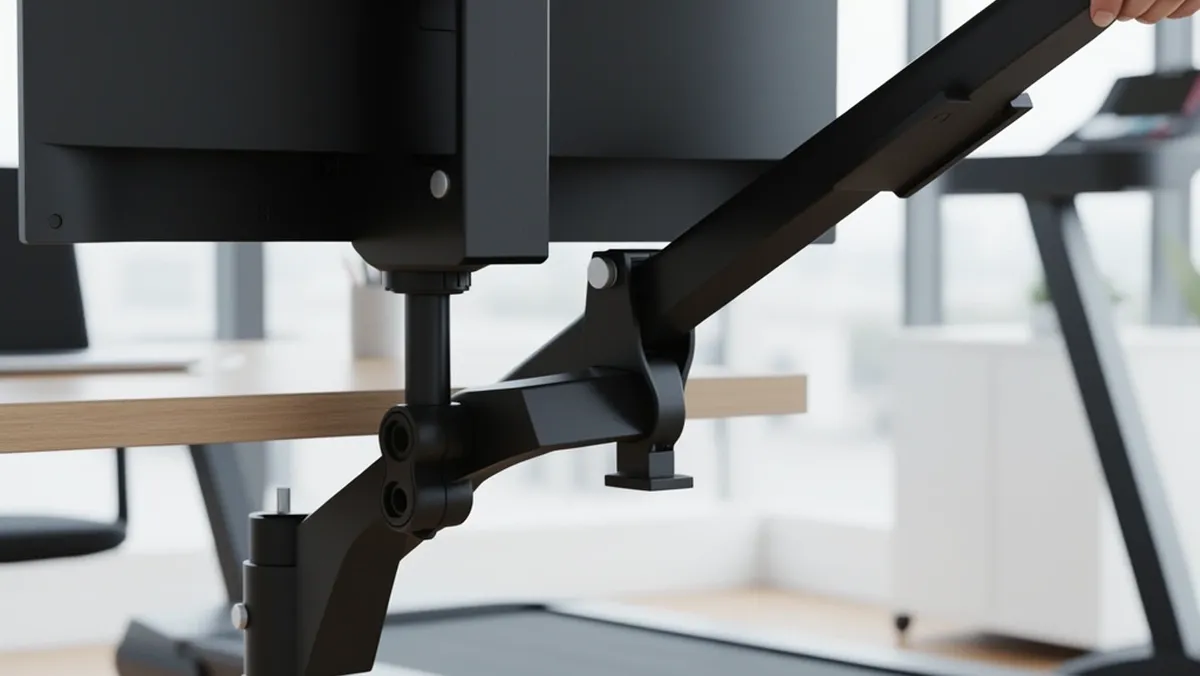
The belt transfers vibration into the desk frame, and the desk transfers it into the monitor.
If the screen shakes with each step, your eyes and neck make micro-corrections all day, and by the afternoon you will feel it.
A fixed monitor stand that came with your screen is often not stable enough.
A monitor arm clamped to the desk with a rigid joint holds the screen still and gives you the flexibility to fine-tune position.
When you test the stability, keep the treadmill running at full working speed and rest your hand on the screen. There should be no visible shake.
Tilt the Screen to Match Your Stride
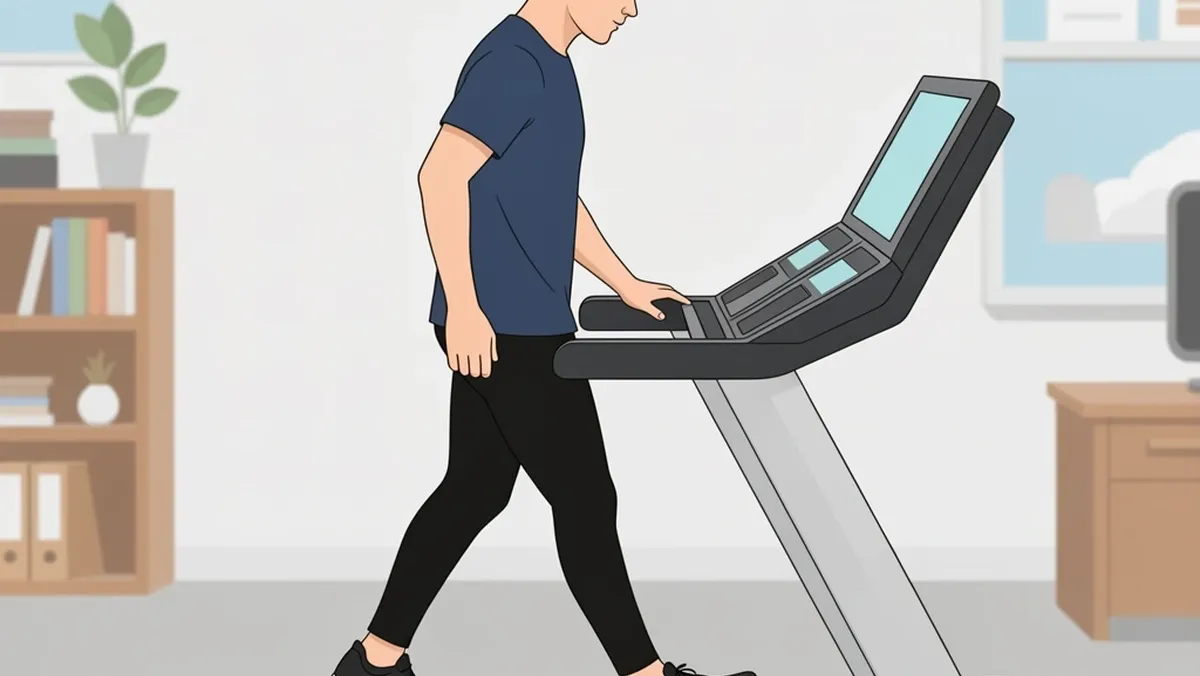
During the downward half of each stride, your eyeline naturally drops. If the screen is facing straight up with zero tilt, your gaze falls below the screen surface and pulls your head forward.
Set the monitor with a slight upward tilt of about 5 degrees. This way, when your head drops during a step, the screen surface stays aligned with your gaze angle.
This is the one adjustment I have never seen mentioned in any ergonomics guide, and it made the biggest difference for me.
It takes one minute to do and completely removes the "I keep looking down at the keyboard tray" problem.
Pair Your Walking Speed With the Screen
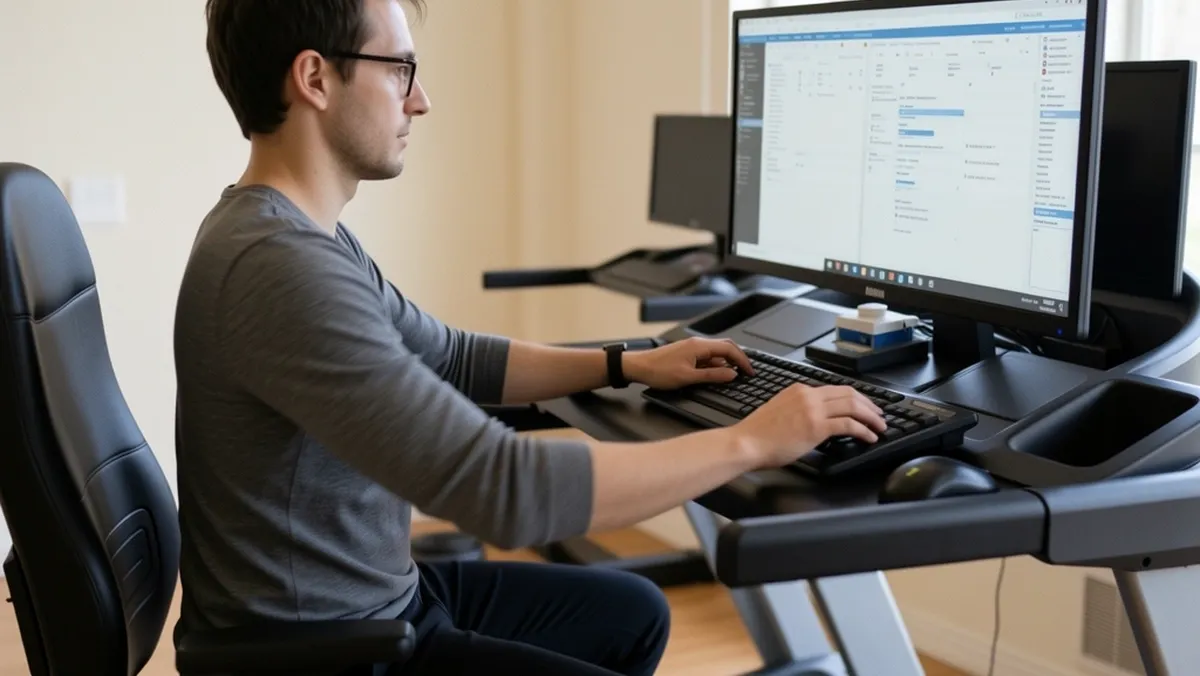
However perfectly you position the monitor, there is a speed limit beyond which your visual system cannot keep up.
If you find yourself unconsciously tilting your head back to see the screen better, or squinting to hold focus, you are probably walking too fast.
| Walking Speed | What It Allows | Neck Strain Risk |
|---|---|---|
| Under 1.5 mph | Comfortable typing, reading, deep work | Low |
| 1.5 to 2.5 mph | Most office tasks feel natural | Moderate, manageable |
| Above 2.5 mph | Hard to hold visual focus; head bob increases | High |
Most people find their sweet spot between 1.5 and 2.5 mph.
Above that, the vertical displacement of your head grows large enough that no monitor position can compensate, and your neck muscles start fighting the motion.
Slow down before your neck forces a slowdown later.
The Mistakes That Bring Neck Pain Back
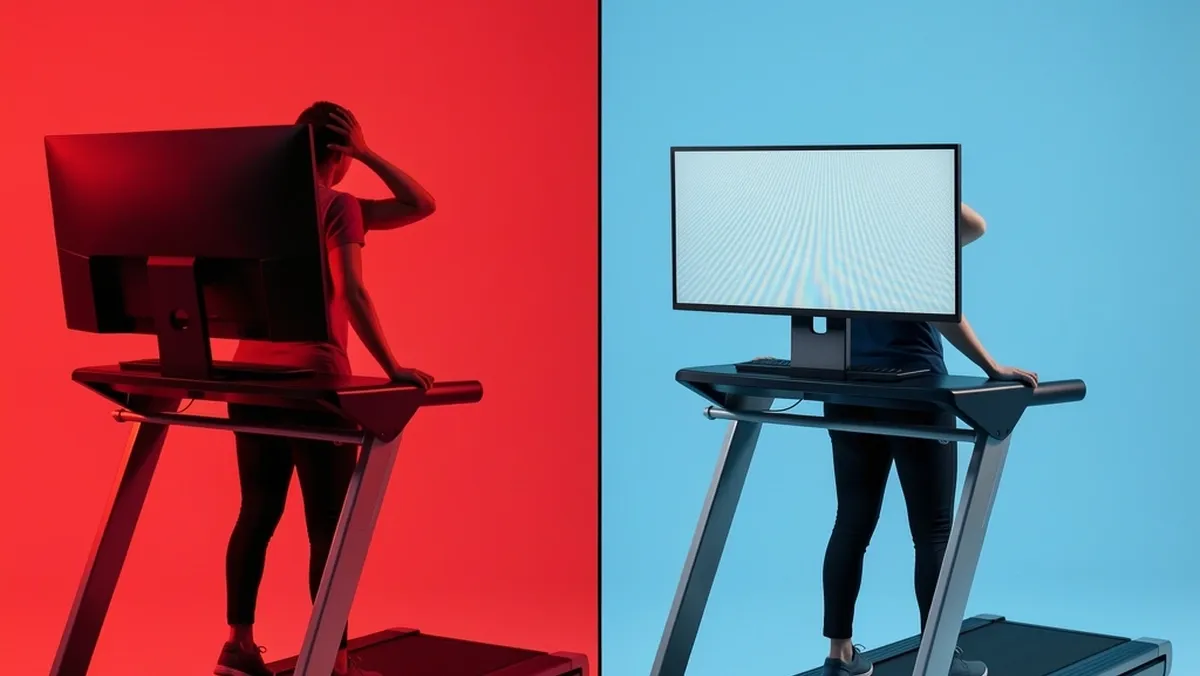
Even with all the right measurements, small errors creep back in. Here are the most common ones I see — and have made myself — and how to undo them.
| Mistake | Why It Happens | The Fix |
|---|---|---|
| Raising the monitor too high | Thinking taller is always better for standing work | Keep the top edge at or one inch above your pupil height, never more |
| Keeping arm's length distance | Carrying over the seated desk rule | Extend to 26 to 30 inches to buffer sway |
| Using a flimsy stand or desk | Underestimating vibration from the belt | Buy a rigid monitor arm and clamp it tightly |
| Typing on a laptop while walking | Convenience beats ergonomics | Use an external monitor or a strong laptop stand raising the screen to eye level |
| Setting the screen without walking first | Setting up while the belt is off | Always adjust the final position with the treadmill running |
The step-by-step answer to how to position your monitor to avoid neck strain while walking is simple: measure from the deck, keep the top at eye level, push the distance back beyond arm's length, and always fine-tune while the belt is moving.
Do that, and the neck pain goes away.
Frequently Asked Questions
Is it safe to walk on a treadmill while typing and looking at a screen?
Yes, but it depends on two things: your speed and your setup. At speeds under 2.5 mph, most people can type and read without safety issues once the monitor is positioned correctly.
The bigger concern is dividing your attention between the screen and the belt. Start slow, keep your feet steady, and never step on or off the treadmill while it is moving.
What's the ideal walking speed for reducing neck strain on a treadmill desk?
Most people settle between 1.5 and 2.5 mph. Slower speeds keep your head movement small and your visual system relaxed.
Above 2.5 mph, the head bob increases quickly and your neck muscles start working to stabilize your vision, which is exactly what you are trying to avoid.
Should I get a monitor arm for a treadmill desk, or will my desk stand do?
A rigid monitor arm is the right choice for most walking desks. The belt creates vibration that fixed stands transmit directly to the screen.
An arm clamped to the desk adds stability and lets you fine-tune the height, tilt, and distance while the treadmill runs. If your monitor stand is already rock solid, test it with the treadmill on.
No shake means it works.
How is monitor height different on a treadmill desk versus a standing desk?
The only real difference is the starting point for measurement. A standing desk assumes your feet are on the floor.
A treadmill desk has a deck that is 4 to 10 inches higher, so your eye height from the deck surface is lower than your eye height from the floor.
Measure your pupils while standing on the belt, not beside it, and you are good.
Can I use a single monitor for both sitting and walking at a height-adjustable desk?
Yes, but you will have to reposition it every time you switch. Sitting puts your eyes about 16 to 18 inches lower than standing on a treadmill deck.
Mark the correct position for each posture on your monitor arm, or commit to one posture per work session rather than switching frequently. Re-measuring every time is the safest way.
Why does my neck ache after walking even though I set my screen at eye level?
Eye level is only one piece of the puzzle.
Check three things: distance (is the screen at least 26 inches away), stability (does the screen shake when you walk?), and speed (are you walking faster than 2.5 mph?).
One of those three is almost always the hidden culprit. Fix it and the ache disappears.