
How Fast Should Your Walking Pad Go

If you just bought a walking pad or are thinking about getting one, the first question is usually the same: How fast should I set it? The answer is not a single number.
It depends on what you are doing while you walk. A pace that works for a phone call will make reading a dense report impossible.
A speed that feels fine for ten minutes may cause joint pain after an hour.
After using a walking pad at my desk for over a year, I learned that the best speed is the one that matches your task and your body. Here is a simple system to find yours.
Match Your Speed to Your Activity
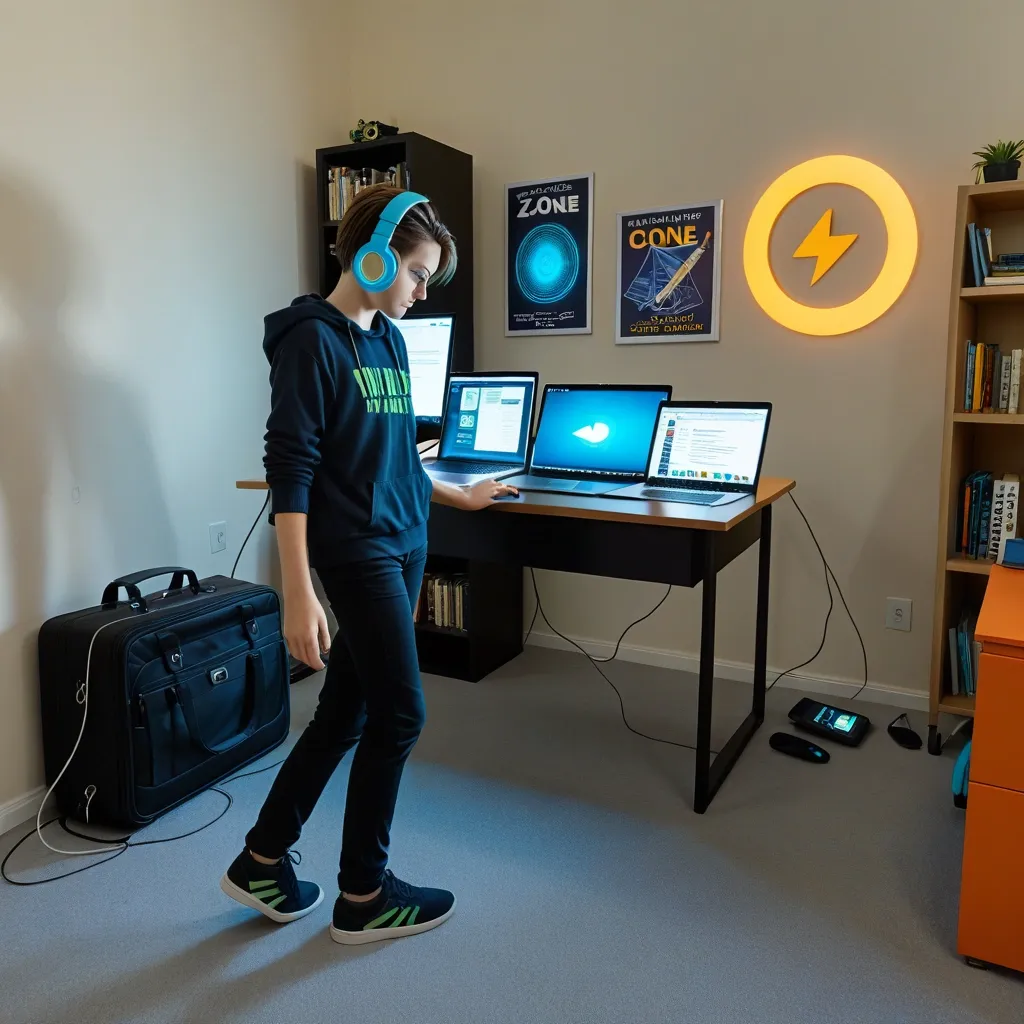
Think of your walking pad speed in three zones. Each zone is built for a different type of work.
- Zone 1: Read and digest (1.0 to 1.5 mph). This is for dense reading, active listening, or complex decisions. Your gaze can follow text without jumping. Your brain does not have to work to keep balance. Calorie burn is low – around 50 to 100 calories per hour – but steps add up steadily.
- Zone 2: Type and respond (1.5 to 2.0 mph). Perfect for email, data entry, or light writing. Your foot cadence naturally syncs with your typing rhythm. Calorie burn doubles to about 100 to 180 per hour. Most people can keep this pace for two to three hours without losing focus.
- Zone 3: Flow and focus (2.0 to 3.0 mph). Best for phone calls, brainstorming, or passive tasks. Your heart rate rises into light cardio territory. But typing accuracy drops and reading comprehension suffers. Use this zone only when you do not need precision.
Most new users set the walking pad to 2.5 mph because it feels like a real walk. That is a mistake if you plan to work. Start in Zone 1 or 2 and only move up when your task allows.
Why “Fast Enough” Is Slower Than You Think
Walking at 1.5 mph adds about 3,300 steps per hour. For someone who gets 3,000 steps daily from normal life, that one hour doubles their count. The trap is thinking faster is better.
At 2.5 mph you cannot do cognitively demanding work. At 1.5 mph you can sustain deep work for hours while building meaningful movement. The real goal is not top speed.
It is sustainable step accumulation within your mental comfort zone.
The Cognitive Speed Threshold

Around 2.0 to 2.2 mph something changes in your body. Your gait shifts from a natural heel-toe roll to a hip-driven shuffle. This shift does two things:
- It diverts blood flow from your prefrontal cortex to your leg muscles, making it harder to focus.
- It increases vestibular stimulation – your brain works harder to keep you balanced.
The result is measurable. Reading comprehension drops about 15 percent at 2.5 mph compared to 1.5 mph. Typing error rate goes up by a similar amount.
I noticed this myself when I tried to edit a long document at 2.2 mph. I kept missing words and had to reread every paragraph. Once I dropped to 1.3 mph, my accuracy came back.
If your main goal is mental work, stay in Zone 1. Save Zone 2 for shallow tasks like sorting email.
How Speed Affects Your Joints and Muscles
Walking at very low speeds changes your stride mechanics. Below 1.5 mph you take shortened, shuffling steps. This reduces impact on knees and ankles but increases work for your hip flexors.
Between 1.5 and 2.0 mph your gait becomes more natural – your hip extends, glutes engage, and quadriceps work moderately.
Above 2.5 mph the extra vertical motion can load your spine more, which may bother people with disc issues or SI joint problems.
If you have arthritis or a history of knee pain, never exceed 2.0 mph. Start at Zone 1 for two weeks. Only move to Zone 2 when you can walk 30 minutes without any soreness the next day.
The Gradual Ramp Protocol

Most people quit walking pads because they start too fast – both in speed and duration. This slow ramp prevents burnout and injury.
- Week 1: 15 minutes at 1.0 to 1.3 mph, three to four days. Focus only on building the habit. Ignore step count.
- Week 2: 20 minutes at 1.5 mph. Add five minutes if you feel no discomfort.
- Week 3: 25 minutes at 1.5 to 1.8 mph. Alternate five minutes at Zone 2 with ten minutes at Zone 1.
- Week 4: 30 minutes at 1.8 to 2.0 mph. If your knees allow, add two to three minutes at 2.5 mph as intervals.
- Week 5 and beyond: Build to 45 minutes at 2.0 mph or 30 minutes at 2.5 mph.
Warning signs to watch for: sharp knee pain, lower back stiffness that lasts more than two hours after walking, or feet that turn cherry red after ten minutes.
These mean you increased speed or duration too quickly.
Speed vs. Incline – Which Matters More
Flat walking at 3.0 mph burns about 200 calories per hour. A 5 percent incline at 2.0 mph burns about 300 calories per hour. Incline beats speed for calorie burn.
But incline walking is harder on your hips and ankles if you have not built tendon resilience. Steep inclines above 7 percent can also cause shin splints because your step becomes uneven.
My advice: start at zero incline at your target speed. Every two weeks, add 1 percent incline while keeping the same speed. Stop at 5 percent.
That gives you most of the metabolic benefit without the joint risk.
The “Marginal Gains” Trap – Why Consistency Beats Intensity
A person who walks 40 minutes per day at 1.5 mph for 200 days gets more real benefit than someone who walks 60 minutes per day at 3.5 mph for 60 days.
The slow walker accumulates 200 hours of low-grade movement. Their joints get regular nutrition from motion. The habit becomes part of their lifestyle.
The fast walker burns more per session but faces higher injury risk and is more likely to quit after two or three weeks.
Also, walking at 3.5 mph does not raise your heart rate enough for cardiovascular conditioning – you need above 120 beats per minute for that. The slow walker wins the long game every time.
Do not chase marginal gains in calorie burn per minute. Chase consistency over months.
Speed Selection for Different Goals
| Primary Goal | Recommended Speed | Duration | Notes |
|---|---|---|---|
| Step accumulation | 1.5–2.0 mph | 30–60 min/day | Best two to three hours after meals |
| Weight management | 2.0–2.5 mph | 45–90 min/day | Combine with twice weekly incline sessions |
| Active recovery | 1.0–1.5 mph | 20 min after workout | Prevents overtraining |
| Deep cognitive work | 1.0–1.8 mph | Variable | Reduce speed if comprehension drops |
| Call or meeting walking | 2.5–3.0 mph | As needed | Use closed captioning if possible |
When Faster Is Actually Better
After two to three months of base building at lower speeds, you can add short “walk sprints.” These are three to five minute bursts at 3.0 to 3.5 mph.
They raise your heart rate into zone 2 (120 to 140 bpm for most adults) and improve your walking economy – your body learns to move efficiently at higher paces.
Use this protocol: warm up ten minutes at 1.5 mph, then alternate three minutes at 3.0 mph with three minutes at 1.5 mph. Do no more than three sprint intervals per session for the first month.
Troubleshooting Speed Plateaus
If you have been walking at 1.8 mph for six weeks and cannot push higher without fatigue, your neuromuscular system has adapted. Here are three ways to break through:
- Add arm swing. Move your arms as if you were walking on a track. This recruits upper body muscles and lets you maintain a higher speed with less perceived effort.
- Shorten your stride. Taking smaller steps at a higher cadence is less tiring than long strides at the same speed.
- Use a metronome. Set it to 120 beats per minute and match your foot falls. That rhythm is energy efficient for most body sizes.
The Quiet Danger – Overstriding at Low Speeds
When you walk below 2.0 mph, it is easy to land with your foot too far in front of your body. That is called overstriding.
It creates a braking force with every step, making walking less efficient and loading your knees. The fix is simple: focus on landing with your foot directly under your hip, not in front of it.
Imagine you are walking on a tightrope – your feet should land close to your center line.
Sample Weekly Schedule for New Walking Pad Users
| Day | Primary Activity | Speed | Duration |
|---|---|---|---|
| Monday | Read or listen (Zone 1) | 1.2 mph | 20 minutes |
| Tuesday | Light typing (Zone 2) | 1.6 mph | 25 minutes |
| Wednesday | Rest or short Zone 1 walk | 1.0 mph | 10 minutes |
| Thursday | Phone calls (Zone 3) | 2.5 mph | 15 minutes |
| Friday | Reading (Zone 1) | 1.3 mph | 30 minutes |
| Saturday | Active recovery | 1.5 mph | 20 minutes |
| Sunday | Rest | – | – |
Frequently Asked Questions
What speed should I set my walking pad to if I am reading a dense book?
Set it to 1.0 to 1.3 mph. That is fast enough to accumulate steps but slow enough that your eyes can follow the sentences without distraction.
How fast do most walking pads actually go at their lowest setting?
Most budget models have a minimum speed of 0.8 to 1.2 mph. The “slow” setting is usually around 1 mph. Check your owner’s manual for the exact number.
Will walking at 0.5 mph burn any calories?
Barely. Below 1 mph you are essentially standing still. Calorie burn at 0.5 mph is only 40 to 50 percent above your resting baseline.
You are better off walking at 1.5 mph if you want meaningful energy expenditure.
What speed should I use for active recovery after a workout?
Use 1.5 to 2.0 mph with zero incline. That keeps blood flowing to your muscles without adding metabolic load. Twenty minutes is enough.
Can walking pad speed negatively affect typing accuracy?
Yes. Above 2.2 mph most people see a noticeable increase in typos. The optimal range for typing is 1.5 to 2.0 mph. If you are writing something important, slow down to Zone 1 or sit down.