How Accurate Is Walking Pad Distance? The Truth You Need to Know

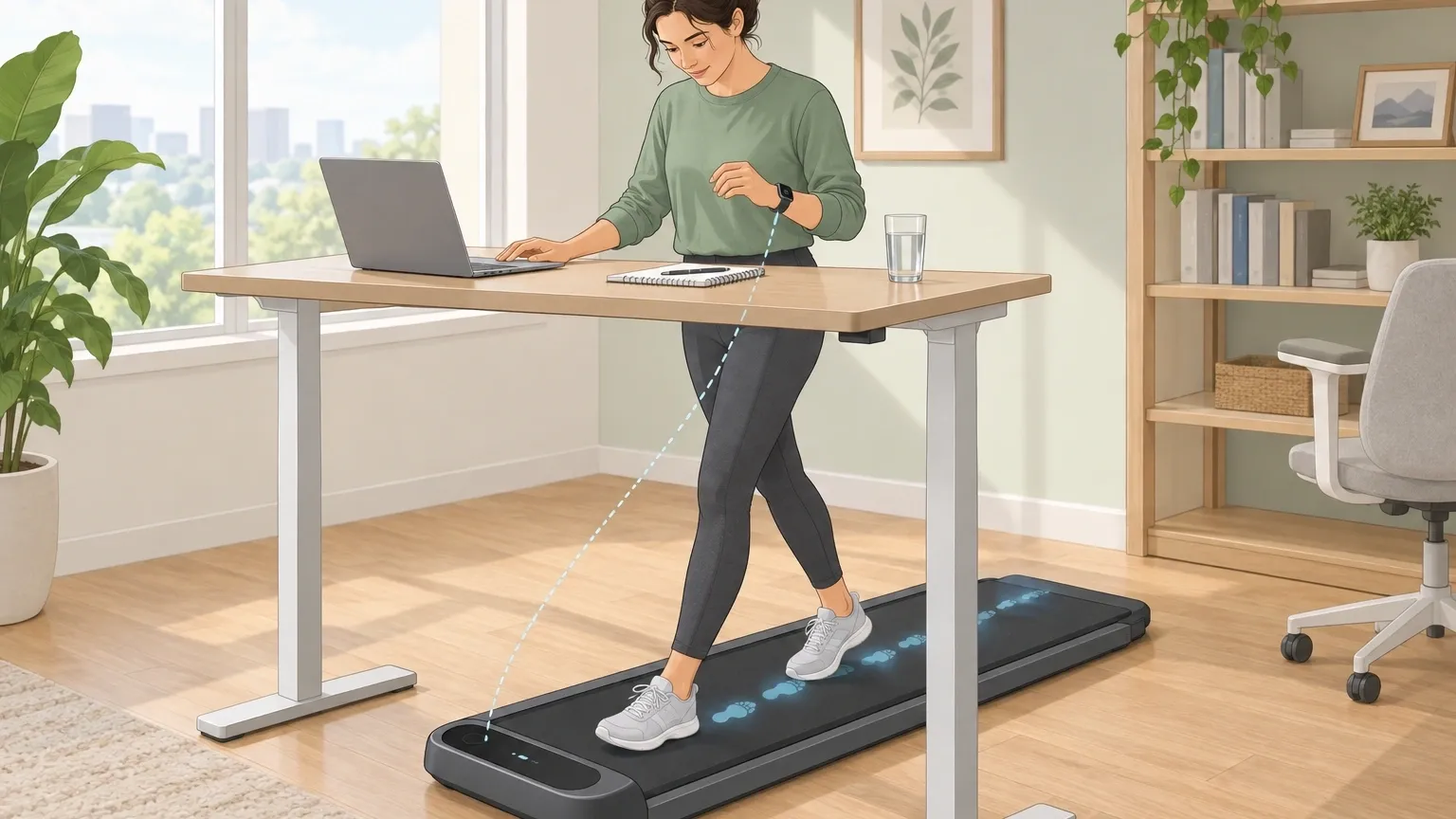
If you just bought a walking pad or have been using one for a while, you have probably noticed a problem. The display says you walked 5 miles, but your Apple Watch says you walked 1.3 miles.
Or maybe you see a different number on your phone's step counter. It is frustrating, and it makes you wonder: how accurate is walking pad distance, really?
Let me give you the honest answer right up front: walking pad distance is moderately accurate when you are jogging at a steady pace, but it is often unreliable for slow walking.
The machine measures the rotation of the belt and multiplies it by the belt length. It does not measure your actual steps or your stride length.
Meanwhile, your wrist-worn device fails because your arms are not swinging. Both numbers are wrong in different ways. The real truth lies in a third method.
This guide will explain why both devices lie to you, when the error gets worse, and exactly how to get a reliable number.
Why Walking Pads Report Inaccurate Distance
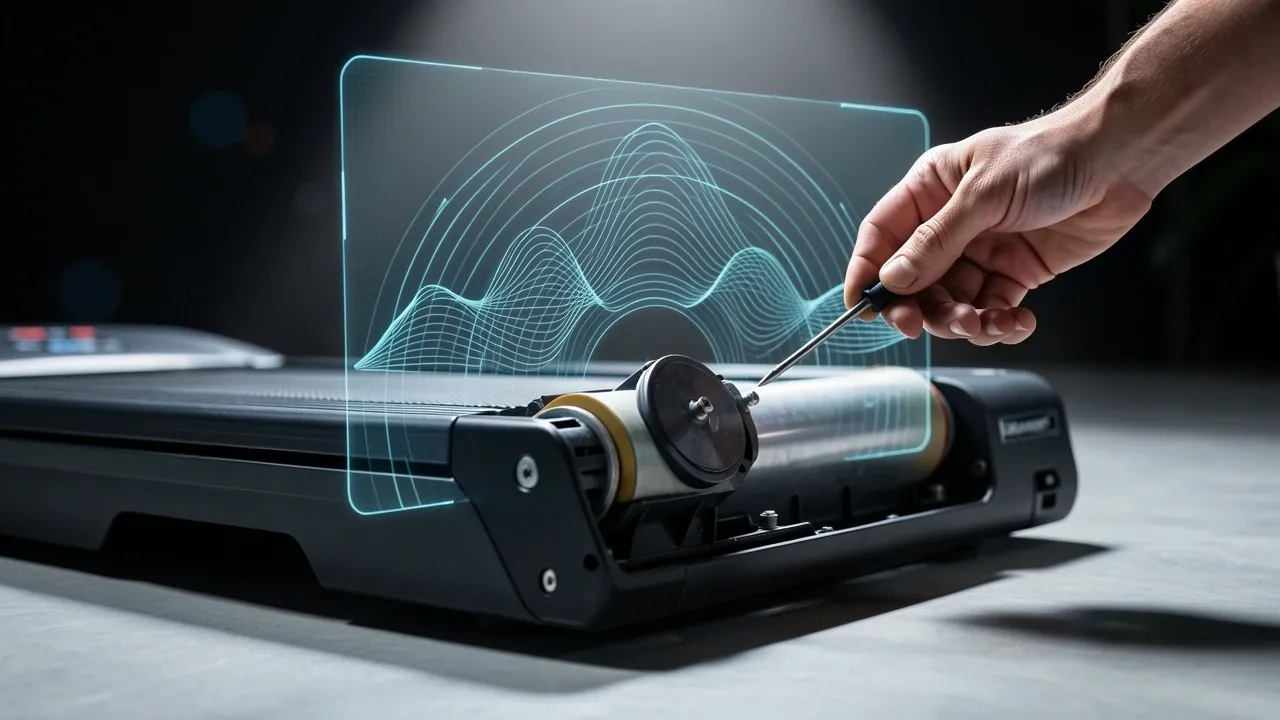
Walking pads are simple machines. A motor turns a roller, the belt moves, and a sensor counts every rotation. The distance shown on the screen is just that count multiplied by the belt length.
This sounds logical, but it has a big flaw: the walking pad assumes you are always on the belt and always moving forward at the same speed as the belt.
In reality, your feet slip slightly with every step. The belt can stretch or wear down over time. If the belt is loose, it may slip on the roller without moving you forward.
A tiny slip of one millimeter per step becomes a meaningful error after a thousand steps. After 5 miles, that error can be a quarter mile or more.
Walking pads also do not account for your stride length. If you take short shuffling steps, you might cover less distance than the belt expects. If you take long strides, you might cover more.
The machine has no idea which way you are walking. It only knows how many times the roller turned.
The Wrist Gap: Why Your Apple Watch Disagrees
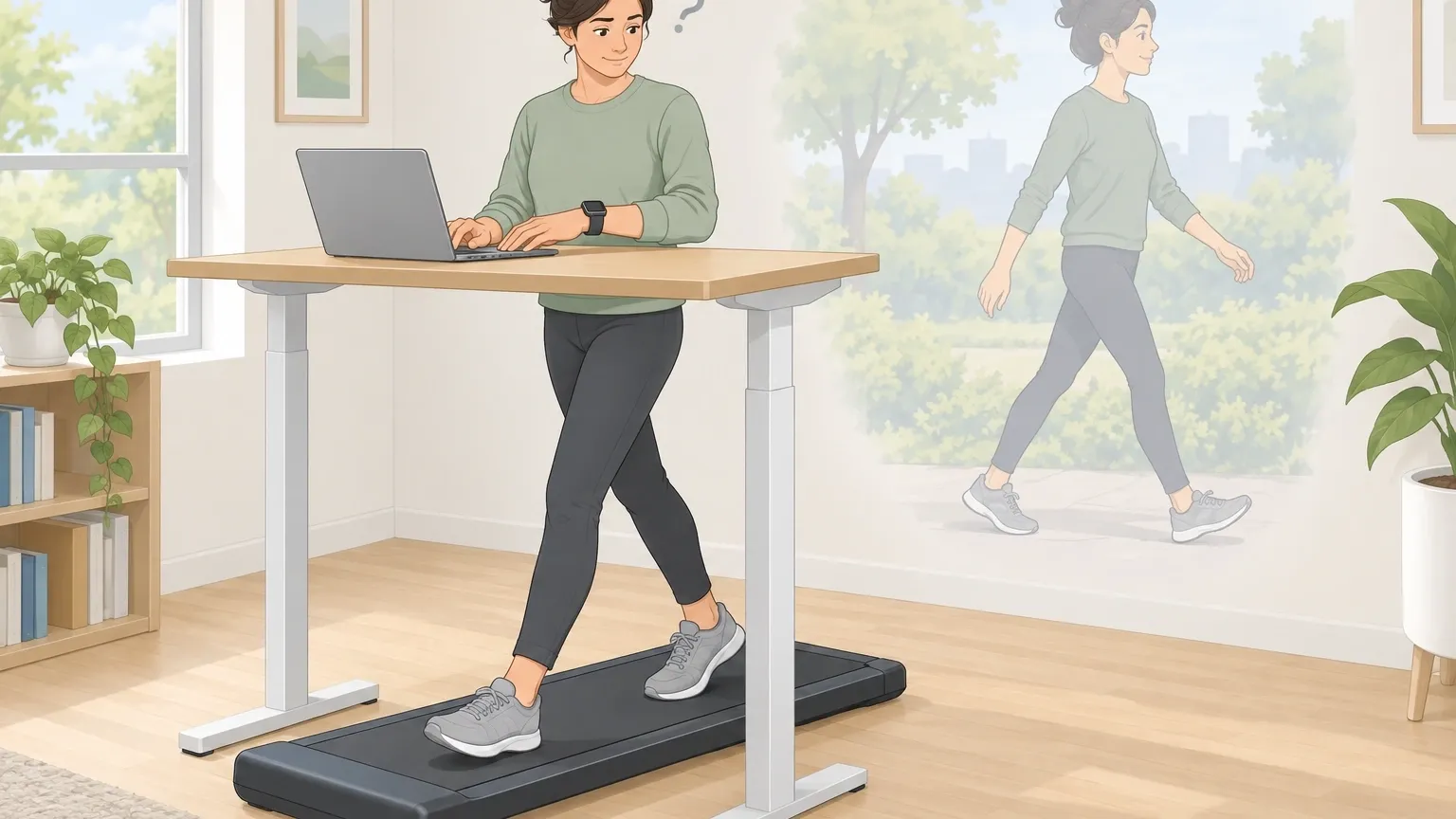
The most common complaint I hear is that the walking pad and the Apple Watch show very different numbers. This is not because either device is broken. It is because they measure movement differently.
Your Apple Watch uses an accelerometer to detect arm swing. When you walk naturally, your arms swing back and forth. The watch counts each swing as a step.
But when you walk on a walking pad at a standing desk, your hands rest on the keyboard or the desk. Your arms do not swing. The watch never gets the signal it needs to count a step.
That is why you see 1.3 miles on your watch while the pad shows 5 miles. The watch thinks you barely moved because it did not feel the expected arm motion.
It is not a fault of the watch – it simply is not designed for this scenario. Some people try wearing the watch on their ankle. That can work, but the watch is not calibrated for that position.
The accelerometer expects a certain pattern of movement. On the ankle, the pattern is different, so you may still get inaccurate step counts. It is better than the wrist, but not perfect.
The Hidden Error Factor: Speed and Calibration
Accuracy gets worse when you walk slowly. Most walking pads are designed for a brisk pace of 3 to 4 miles per hour. At that speed, the belt rotates smoothly and the motor holds a consistent speed.
But many people use walking pads at 1 to 2 miles per hour while working. At low speeds, the human gait becomes choppy. You take shorter, more frequent steps. Your foot placement is less consistent.
The belt may also slow down slightly on each step because the motor has less inertia. This creates a condition called low-speed signal-to-noise ratio.
The walking pad's sensor sees belt movement, but the actual distance you cover per belt rotation changes with every step. The error multiplies quickly.
If you walk at 1.5 mph for an hour, your walking pad might show 1.5 miles, but the real distance could be 1.2 or even 1.8 miles depending on your stride and the belt condition.
The error at slow speeds can be 20 percent or more.
The Three Ways to Find Your True Distance
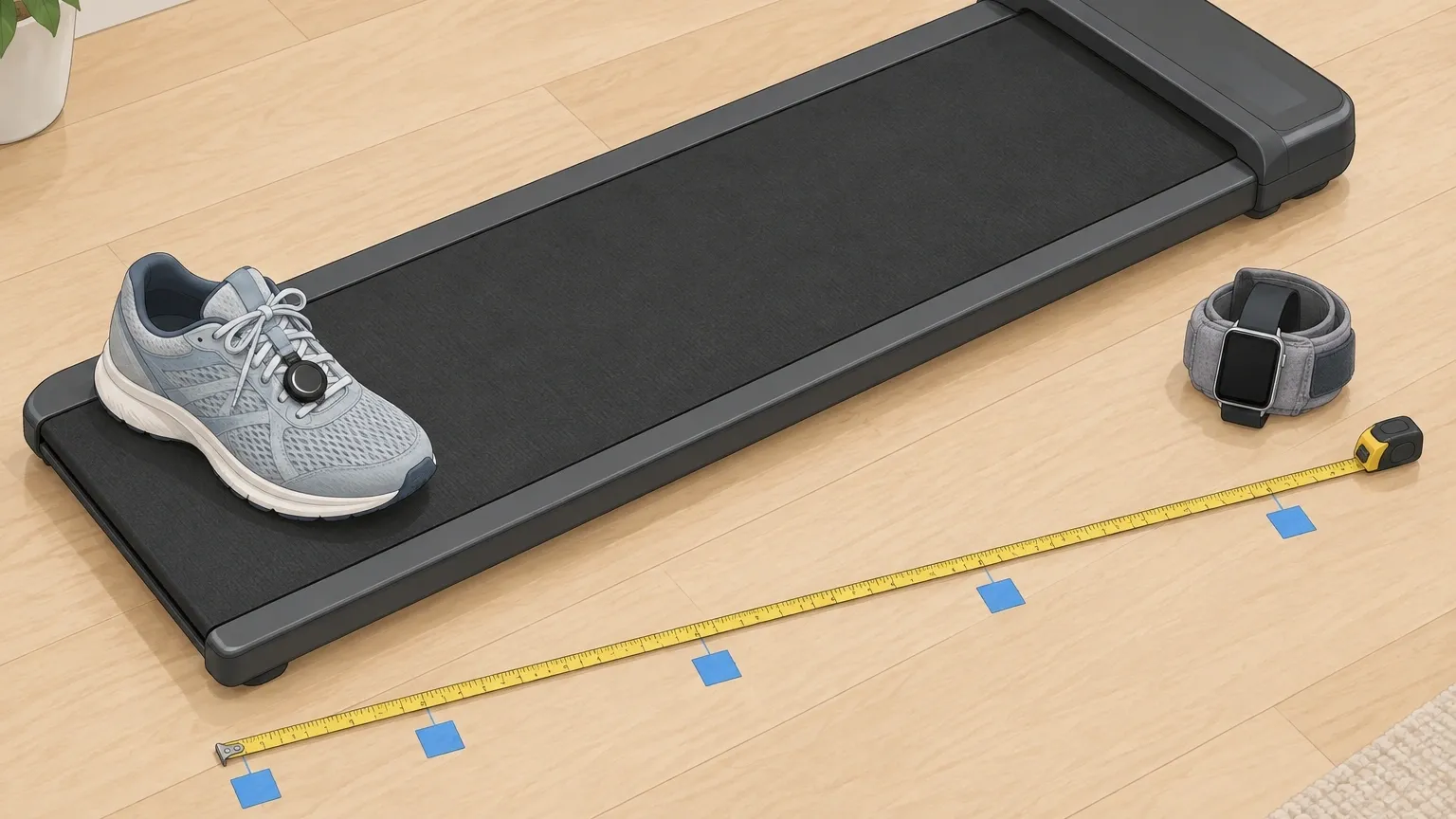
Since neither the walking pad nor the wrist watch is reliable, you need a third measurement. Here are three proven methods. Start with the easiest and move to the most accurate if you need precision.
Method 1: The Foot Pod (Most Accurate)
A foot pod is a small sensor that attaches to your shoe or clips to your laces. It measures your actual foot movement – stride length, cadence, and ground contact time.
It ignores arm swing and belt speed entirely. The most well-known foot pods are Stryd and Zwift Pod. I have been using a Stryd pod for months.
It connects to my phone or watch via Bluetooth and gives me distance that matches outdoor GPS within 1 percent.
On a walking pad, it stays just as accurate because it only cares about my foot mechanics. If you want the closest thing to true distance, this is it.
Method 2: Ankle-Wearing Technique
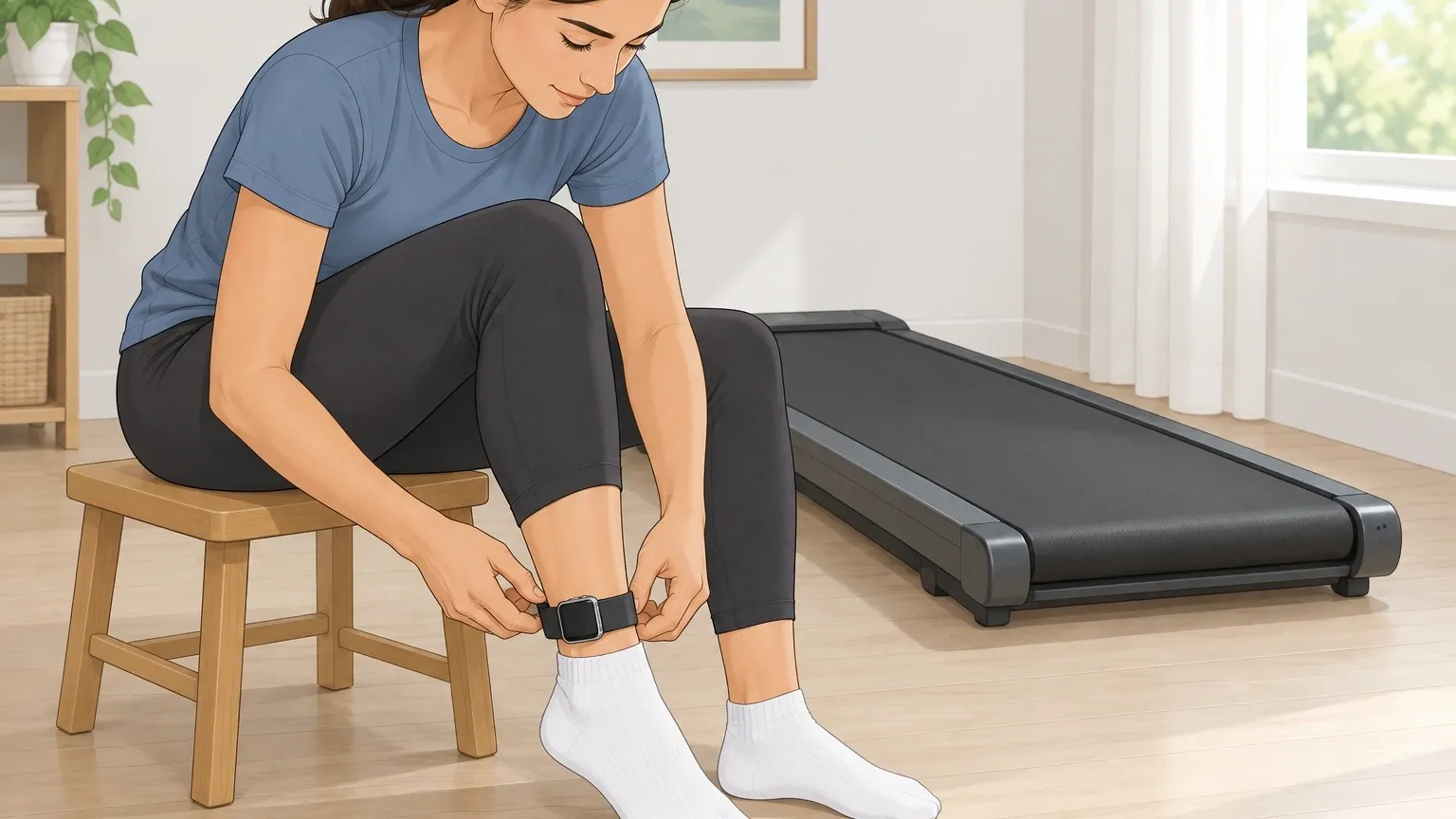
If you do not want to buy extra gear, try wearing your Apple Watch on your ankle. This requires a few settings changes. Turn off wrist detection in the Watch app on your iPhone.
Then put the watch on your ankle with the display facing outward. The watch will think it is on your wrist, but the accelerometer will pick up your leg movement instead of arm swing.
This method is not perfect. The watch estimates step length based on height and typical gait. On the ankle, the arm-swing pattern is missing, so step counting may still be off.
But many users report that their step count jumps from 2,000 to 8,000 steps per day after switching to the ankle. It is a free fix that is better than relying on the walking pad.
Method 3: Manual Calibration Test
If you want to know how far off your specific walking pad is, run a calibration test. You will need a measuring tape, some painter's tape, and a helper.
Place a strip of tape on the belt at the front edge. Walk at your usual speed until that strip of tape comes back to the front. Stop the belt.
Now measure a known distance – say 100 feet – along the floor next to the pad. Mark those points with tape.
Then walk on the pad at your normal pace for exactly that 100 feet as measured by the floor marks. Compare the distance on the pad's display to the actual 100 feet.
Repeat two or three times and average the error percentage. If the pad shows 110 feet for your 100-foot walk, it means the pad overreports by 10 percent.
You can then mentally subtract that percentage from the pad's reading in the future. This method accounts for belt slip, wear, and your specific stride.
The Critical Factor: Belt Tension and Surface Wear
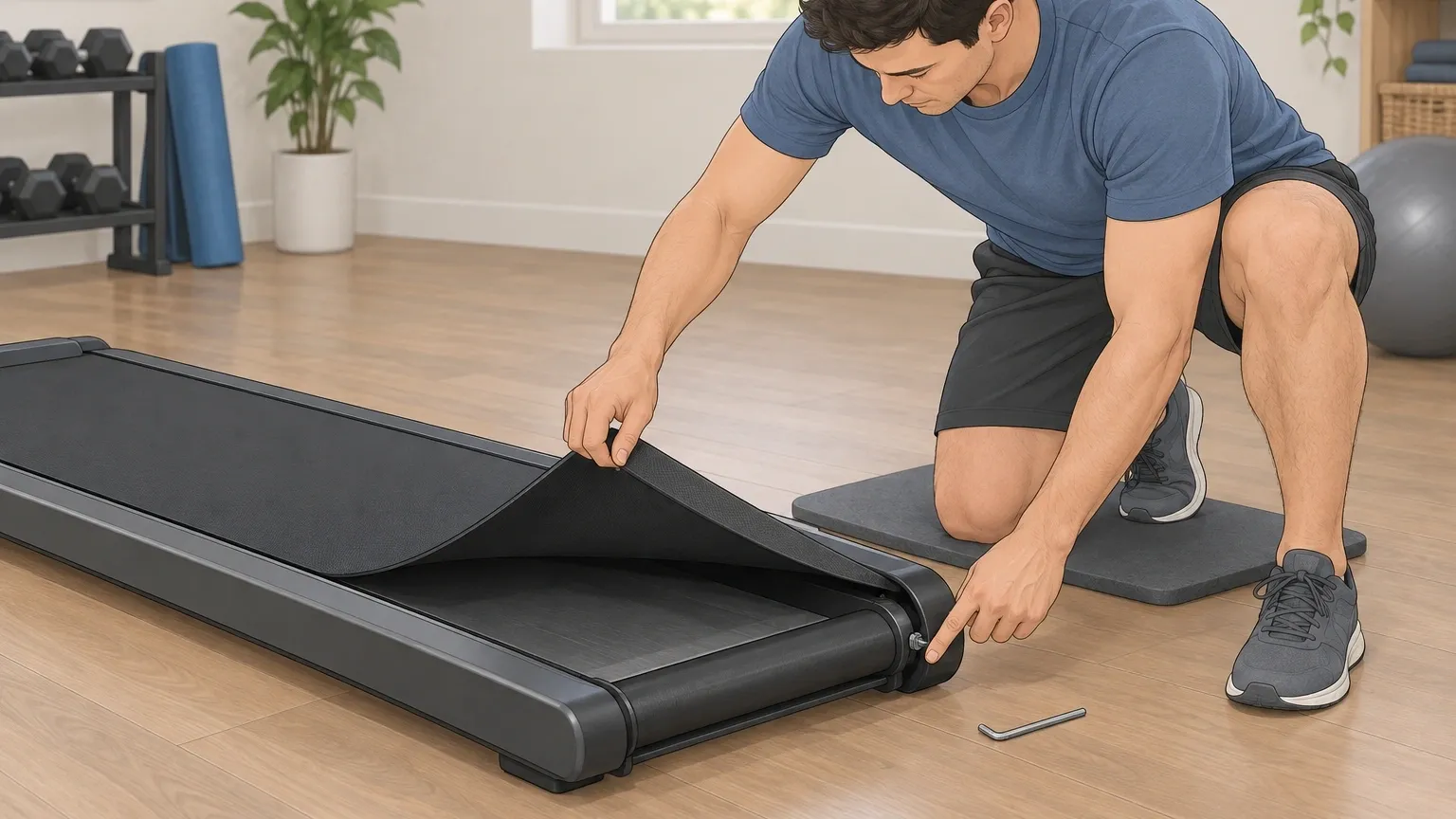
Most people never check their walking pad belt, but it has a big impact on accuracy. A loose belt slips on the rollers.
The rotation sensor counts revolutions, but those revolutions do not fully move the belt. Over time, the belt also stretches.
An older belt that has been used for hundreds of hours may slip more than a new one. You can test belt tension by lifting the belt at the center of the deck. It should lift about 2 to 3 inches.
If it lifts more, tighten it using the adjustment bolts at the rear roller. If it lifts less, the belt may be too tight and could damage the motor.
Proper tension keeps the belt moving consistently and keeps your distance reading closer to reality. Worn belts also develop micro-slip.
The surface becomes smooth and the friction with the deck decreases. Even with proper tension, a worn belt will slip slightly.
If your walking pad is a few years old and you notice accuracy getting worse, a belt replacement might bring it back to spec.
Frequently Asked Questions
How accurate is walking pad distance compared to outdoor GPS?
Outdoor GPS is generally superior for distances over a kilometer because it uses satellite positioning to measure actual ground movement. Walking pad distance only measures belt rotation.
GPS can be off by a few feet in urban canyons, but overall it is more trustworthy for distance than a walking pad.
Does the weight of the user affect walking pad distance accuracy?
Yes. Heavier users compress the belt more when they step. This slightly changes the effective circumference of the roller. The belt may also slip more under higher load.
The result is a small but consistent positive error – the pad thinks you went further than you did. The error is usually under 2 percent but adds up over long walks.
Does a walking pad count steps accurately?
No. A walking pad measures distance, not steps. It cannot tell one footstep from another. It assumes a constant stride length based on your height (if you entered it) or uses a default.
If your actual stride changes with speed or fatigue, the step count will be wrong. For step counting, an ankle-mounted device is much better.
Should I trust the walking pad or my Apple Watch for calorie burn?
Neither for distance. For calories, the heart rate data from your Apple Watch is more reliable than the walking pad's generic formula, provided you have entered your weight and age correctly.
The walking pad estimates calories based on speed and time with no personal data. The watch at least considers your heart rate. But even the watch's calorie estimate can be off by 20 to 40 percent.
Use it as a rough guide, not a precise number. If you walk on a walking pad regularly, getting the distance right matters for tracking progress and comparing workouts.
Now you know why the numbers are off and exactly how to find the real answer. Start with the ankle-wearing method for a free improvement. If you need precision, invest in a foot pod.
And every few months, check your belt tension. Your true distance is there – you just have to measure it the right way.