Can You Read Long Documents While Walking on a Treadmill Pad

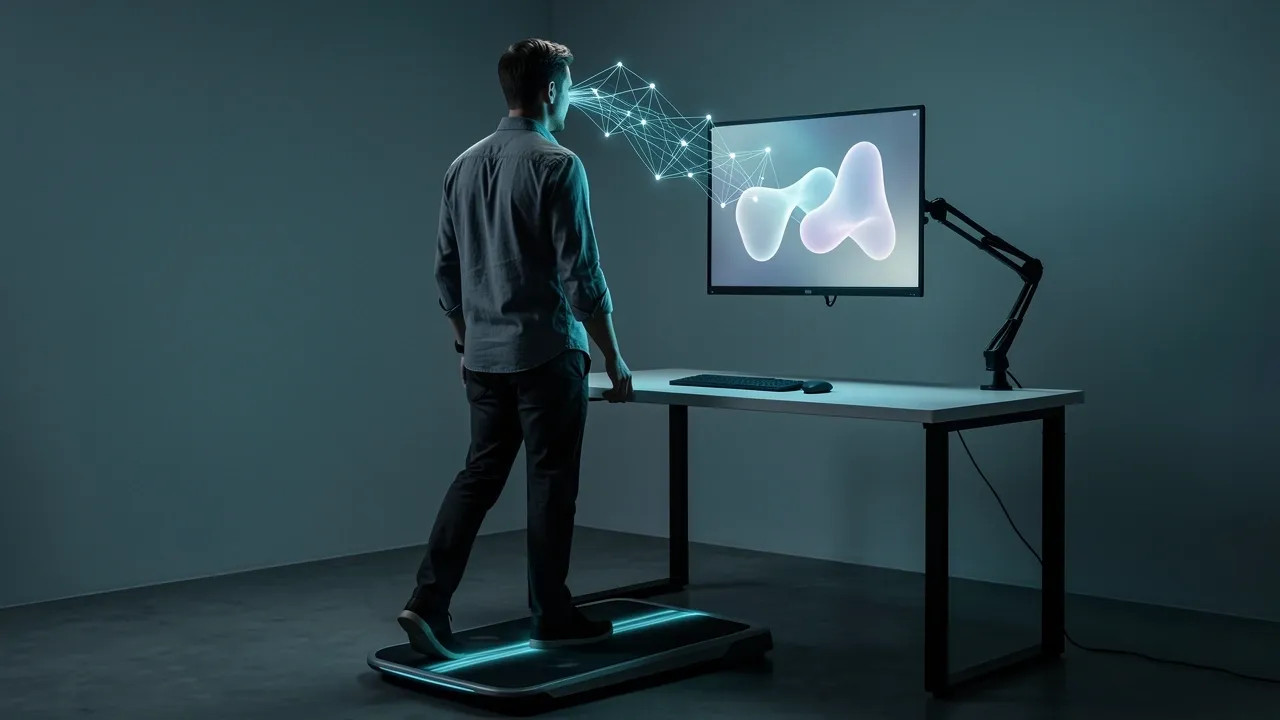
Yes, you can comfortably read long documents on a walking pad. But "comfortably" is doing a lot of work in that sentence. Three conditions decide whether this workflow feels natural or miserable.
The pace has to stay low. The screen has to be positioned for visual stability. And the document has to match what your brain can handle while your body is in motion.
Get those three right, and a walking pad can turn hours of sitting into gentle movement without wrecking your focus.
Get them wrong, and you will spend your first session losing your place, feeling dizzy, and wondering why anyone does this on purpose.
I have used a walking pad under my desk for months. I have read through long reports, book chapters, and email threads while moving at a slow, steady pace.
I have also tried to read dense technical documents and failed within minutes. The difference was never about willpower. It was about understanding how the body and brain handle two tasks at once.
Once I adjusted for that, everything changed.
Why Reading on a Walking Pad Feels Different From Reading at a Desk
Your inner ear registers the rhythm of every step. At the same time, your eyes try to lock onto words that are not actually moving.
The text on your screen stays still, but your head bobs in a slow, repeating pattern. Your brain has to make sense of two signals at once — the motion it feels and the stillness it sees.
That conflict is why your first attempt at reading on a walking pad feels strange.
A walking pad is easier to handle than a full treadmill. A treadmill at running speed creates a hard, unpredictable bounce. A walking pad at a slow pace creates a gentle, predictable sway.
Your brain can learn to treat that sway like background noise. But the sway never fully disappears. Your eyes still work harder than they would at a desk to hold a steady gaze on the text.
There is also a quiet mental cost. Walking, even at a very slow speed, is not fully automatic. Your brain coordinates your legs, your balance, and your posture while you read.
That coordination draws from the same working memory you use to process sentences. It is not enough to stop you from reading. But it is enough to make complex material feel noticeably heavier.
The distance between your eyes and the screen matters too. When you read on a phone held close to your face, your eyes have to work much harder to keep the image steady while your body moves.
When the text sits further away, at arm's length or beyond, the strain drops. This is why a fixed monitor on a desk arm will always beat a handheld device for walking-pad reading.
Not all reading is the same, though. The type of document you open matters more than any other choice you make. Here is what I mean by that.
The Cognitive Load Spectrum — What You Can Actually Read While Walking
Reading is not one single activity. Skimming a news headline takes a fraction of the mental effort that reading a legal contract takes.
Walking, even at a slow pace, quietly uses some of that mental effort. So the real question is not "Can I read long documents while walking?" It is "Which long documents can I read while walking?"
| Reading Level | Examples | Walking Compatibility |
|---|---|---|
| Low demand | News headlines, emails, chat messages, document scanning | Works from day one |
| Moderate demand | Articles, blog posts, reports, general nonfiction | Works after a short adjustment period |
| High demand | Legal contracts, technical specifications, academic papers, code documentation | Rarely works; needs full attention |
Low-demand reading tolerates the mental overhead of walking. Skimming a news feed or sorting through email does not need deep focus, so the small slice of attention that walking takes does not hurt.
You can do this on your first day with almost no discomfort.
Moderate-demand reading works, but not right away. A long article or a business report requires steady attention.
Once your brain adapts to the motion — usually within a week or two — these documents become perfectly readable. The catch is that your pace has to stay at the lower end of the speed range.
High-demand reading is where walking-pad reading falls apart. Dense contracts, technical specifications, and academic papers demand annotation, re-reading, and deep analytical thought.
You need your full attention for those tasks, and walking takes too much of it.
When I tried to work through a complicated technical document on my walking pad, I read the same paragraph three times without absorbing a word.
That was the moment I learned to match the document to the activity.
One more nuance. "Long documents" is not a single category.
A 40-page report full of dense analysis and footnotes is very different from a 40-page document built from clear headers, short sections, and bullet points.
The second one reads like a series of small, scannable chunks. That structure survives the mental cost of walking. The first one does not.
Once you know which documents fit the walking workflow, the next step is setting up your walking pad and screen so your body and eyes are not working against each other.
The Walking Pad Setup That Makes Reading Comfortable
Speed Calibration
The workable range for reading is 1.5 to 2.5 miles per hour, or about 2.4 to 4.0 kilometers per hour. Below 1.5 mph,