What Is the Exact Ergonomic Standing Desk Height for an Under Desk Treadmill

There is no single universal number.
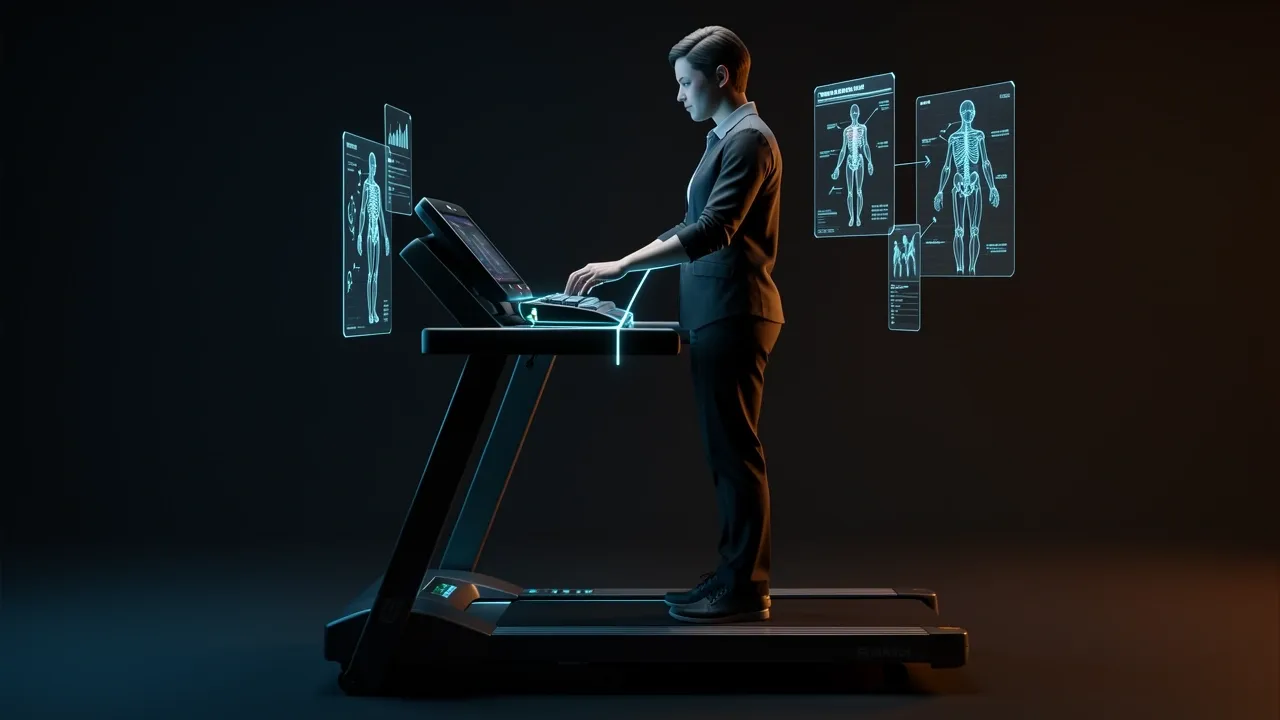
The exact ergonomic standing desk height for an under-desk treadmill is the height that puts your keyboard surface at your elbow height while you stand on the walking deck.
For most adults, that target lands somewhere between 40 and 48 inches from the floor to the keyboard surface, but your personal number can fall outside that range depending on your height, the shoes you wear, and the thickness of your treadmill deck.
This article walks you through measuring your own number, setting the desk, and confirming the setup with a quick field test. By the end, you will know exactly what to set, not just what a chart says.
The Ergonomic Rule: Match the Keyboard Surface to Your Walking Elbow Height
Ergonomic standing height follows a simple rule: when you stand naturally with your elbows bent at about 90 degrees and your shoulders relaxed, the keyboard surface should meet your hands.
Your wrists should stay straight, and your forearms should be roughly parallel to the floor. That posture is what your body needs for sustained typing and mousing.
The keyboard surface matters more than the desk top because your arms interact with the keyboard, not the desktop.
If the keyboard sits directly on the desk, then desk height and keyboard height are the same number. If you use a keyboard tray, the tray surface becomes the target.
The treadmill deck is the variable that most guides ignore. When you stand on a deck, your feet are raised by 3 to 5 inches. That raises your elbows by the same amount.
So the desk needs to be taller than it would be for regular standing on the floor.
Quick example: a person whose standing elbow height is 40 inches from the floor needs a 44-inch keyboard surface if the treadmill deck is 4 inches tall.
Ignore the deck and you will be reaching down for your keyboard the whole walk.
How to Measure Your Exact Treadmill Desk Height in Four Steps
Measurement is the only reliable way to find your exact number. Here is the process I use with every new treadmill setup.
- Put on the shoes you will actually wear while walking. Sneakers add 0.5 to 2 inches to your height, and that changes the entire calculation.
- Stand on the treadmill deck with your back close to a wall. Stand naturally, and do not lean forward or backward.
- Relax your shoulders and bend your elbows to 90 degrees. Keep your forearms parallel to the floor.
- Have someone mark the wall at the underside of your elbow. If you are alone, set your phone on a tripod or a stable surface with the timer on, then hold the pose and take a photo. Mark the wall based on the image.
Now measure from the floor, not from the treadmill deck, up to that mark. That number is your target keyboard surface height. The formula is simply:
Keyboard surface height = standing elbow height from the floor + treadmill deck height
If you measured the mark while standing on the treadmill, the deck height is already included in your wall measurement. Do not add it again.
The Difference Between Desk Top Height and Keyboard Height
When your keyboard and mouse sit directly on the desk, the desk top height equals your target keyboard height.
But many people use a keyboard tray for better cable management or a more natural arm angle. That changes the setup.
If your tray hangs 1.5 inches below the desk top, the desk top must be set 1.5 inches higher than your measured target.
If the tray is above the desk surface, which is rare, subtract that distance instead. Always measure the actual surface where your hands rest, not the edge of the desk.
Keep the mouse on the same surface as the keyboard. Reaching up to a separate mouse platform or down to a different tray brings back shoulder and wrist strain.
One more detail: a slight negative tilt on the keyboard, where the far edge is higher than the near edge, can help keep your wrists neutral. But keep the tilt small, around 5 to 10 degrees.
Too much tilt makes the keys harder to press.
Set the Monitor After the Desk, Not Before
Desk height fixes your arms. Monitor height fixes your neck. Handle them as two separate adjustments, and always set the desk first.
Once the desk is at your elbow height, position the monitor so the top of the screen is at or just below eye level.
You should be able to look straight ahead and see the top edge of the screen without tilting your chin down or up.
On a treadmill, your eye level rises by the same few inches as the deck. This means the monitor usually needs to sit higher than it would for regular standing.
A monitor arm or a riser gives you the independent height range you need. A stack of books works in a pinch, but an arm makes micro-adjustments much easier.
Keep the monitor about an arm's length away. The exact distance depends on your vision, but if you have to lean forward to read text, the setup is wrong.
Why Most Standing Desk Height Charts Fail on a Treadmill
Most standing desk height charts assume you are standing on a hard floor. No chart includes a treadmill deck. That one omission makes every chart unreliable for walking workstations.
Charts also use average body proportions. Torso length, arm length, and shoe sole thickness vary widely between people who are the same height.
Two people at 5 feet 8 inches can have elbow heights that differ by 2 inches or more. A chart that tells both to set the desk at 40 inches will be wrong for at least one of them.
Add a 4-inch treadmill deck and a 1-inch sneaker sole to that average person, and the real target is closer to 45 inches.
If you trust the chart instead of the measurement, you end up with a desk that is too low.
The only way to get an exact number is to measure your own elbow height while standing on the treadmill you will use. That measurement cancels out all the variables a chart cannot see.
The 5-Minute Field Test for Fine-Tuning
Numbers on paper do not always translate to comfort in practice. Run this short test after you set the desk to your measured target.
- Start walking at a slow speed, around 1 mph.
- Type a short paragraph, then use the mouse for a minute.
- After that minute, check your body for these signs of a correct height:
- Wrists are straight, not bent upward or downward.
- Shoulders stay relaxed and down, not shrugged.
- Elbows stay near 90 degrees.
- You are not reaching up for the keyboard or slouching down toward it.
- Your hands are not gripping the desk edge or the keyboard edge for support.
- If any of those checks fail, adjust the desk in half-inch increments and repeat the test.
The exact height is the one that passes this test for a full work session, not just for 30 seconds. Changes in stride and posture during a long walk can reveal problems that a quick check misses.
What to Do If Your Desk Can’t Reach Your Target Height
This is the hardware reality check. Many standing desks have a maximum height of 44 or 45 inches, which might not be enough once the treadmill deck is under you.
Check your desk's maximum height before you set up the treadmill, or measure first and then compare.
If the desk maxes out below your target, a monitor riser will not help. The riser changes the monitor height, not the keyboard position, and your arms will still be too low.
You need a way to raise the keyboard surface itself.
Options in order of practicality:
- Choose a standing desk with a taller maximum height range. Look for models that reach 48 inches or higher.
- Install a desk height extension kit or replace the legs with a taller base. Some manufacturers sell extension columns.
- Switch to a treadmill or walking pad with a lower deck height. A deck that is 2 inches thick instead of 5 can make the difference between fitting and not.
- Consider a desk designed specifically for treadmill use. These usually have a higher top range built in.
Measure first, then buy or adjust your hardware around the number. It is much cheaper to verify the height range before you order a new treadmill or desk.
Frequently Asked Questions
Should I measure with shoes on or off?
Measure with the shoes you will actually wear while walking. Shoe soles can change the number by 1 to 2 inches. If you usually walk in sneakers, put those on before you mark the wall.
Does walking speed change the ideal desk height?
No. The mechanical target for your elbow height stays the same regardless of speed. Faster walking creates more bounce and makes you less stable, which can make any height feel worse.
Stay in the 1 to 2 mph range, and slow down if you feel unsteady before you change the desk height.
What if my keyboard tray changes the height?
The target measurement applies to the keyboard surface. If the tray sits lower than the desk top, set the desk top higher to compensate.
Measure from the floor to the tray surface and compare it to your elbow height mark.
Why do my wrists still hurt even when the height is correct?
A correct height is one part of the equation. The other is how you use your hands. Anchoring your palms on the desk edge for stability adds pressure to the wrist.
A keyboard tray that forces a positive tilt can also strain the tendons.
Look for a tray that supports a neutral wrist position, and make sure your forearms are not resting on the desk edge while you type.
If the problem persists, it might be the walking speed creating excessive bounce.